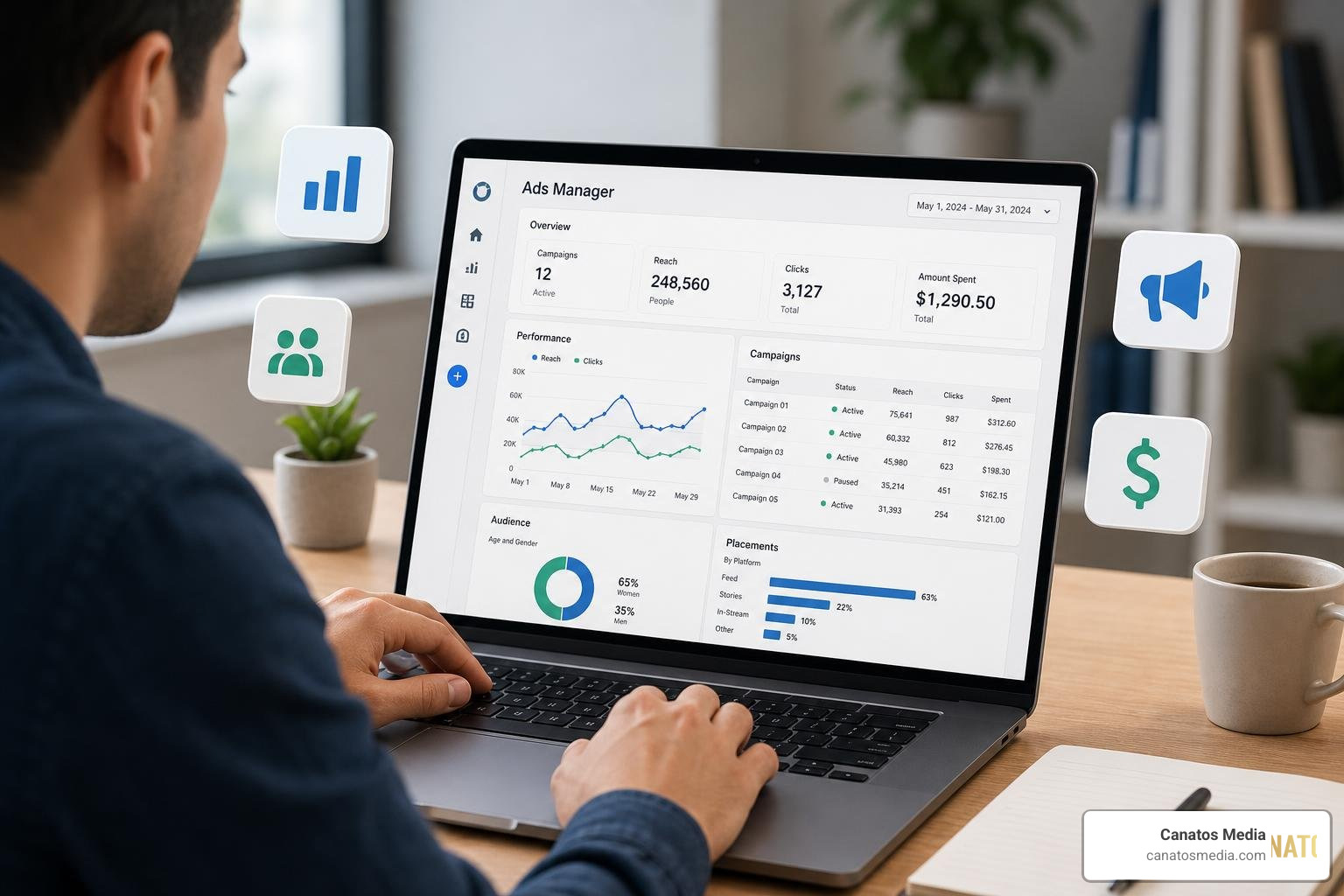
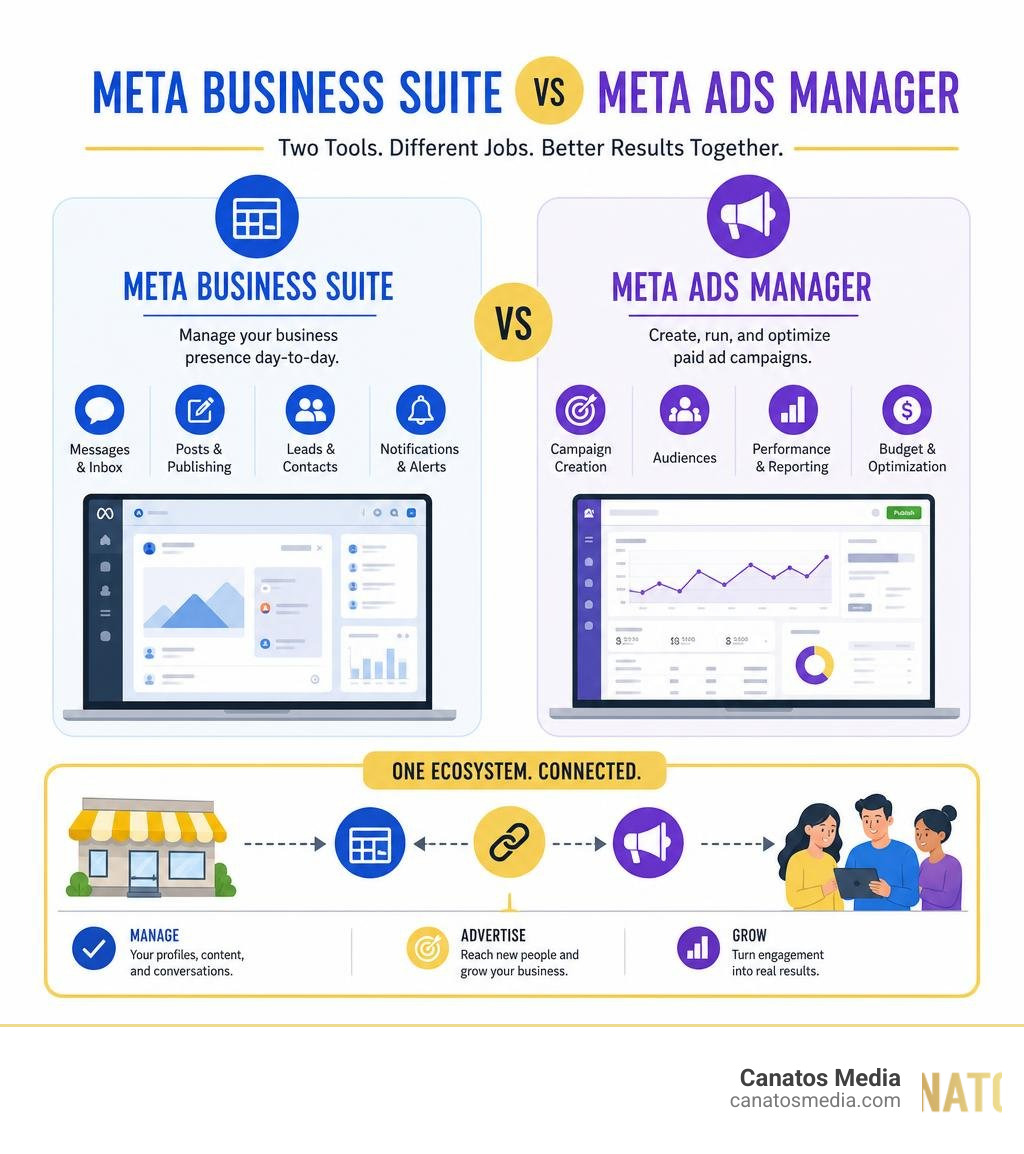
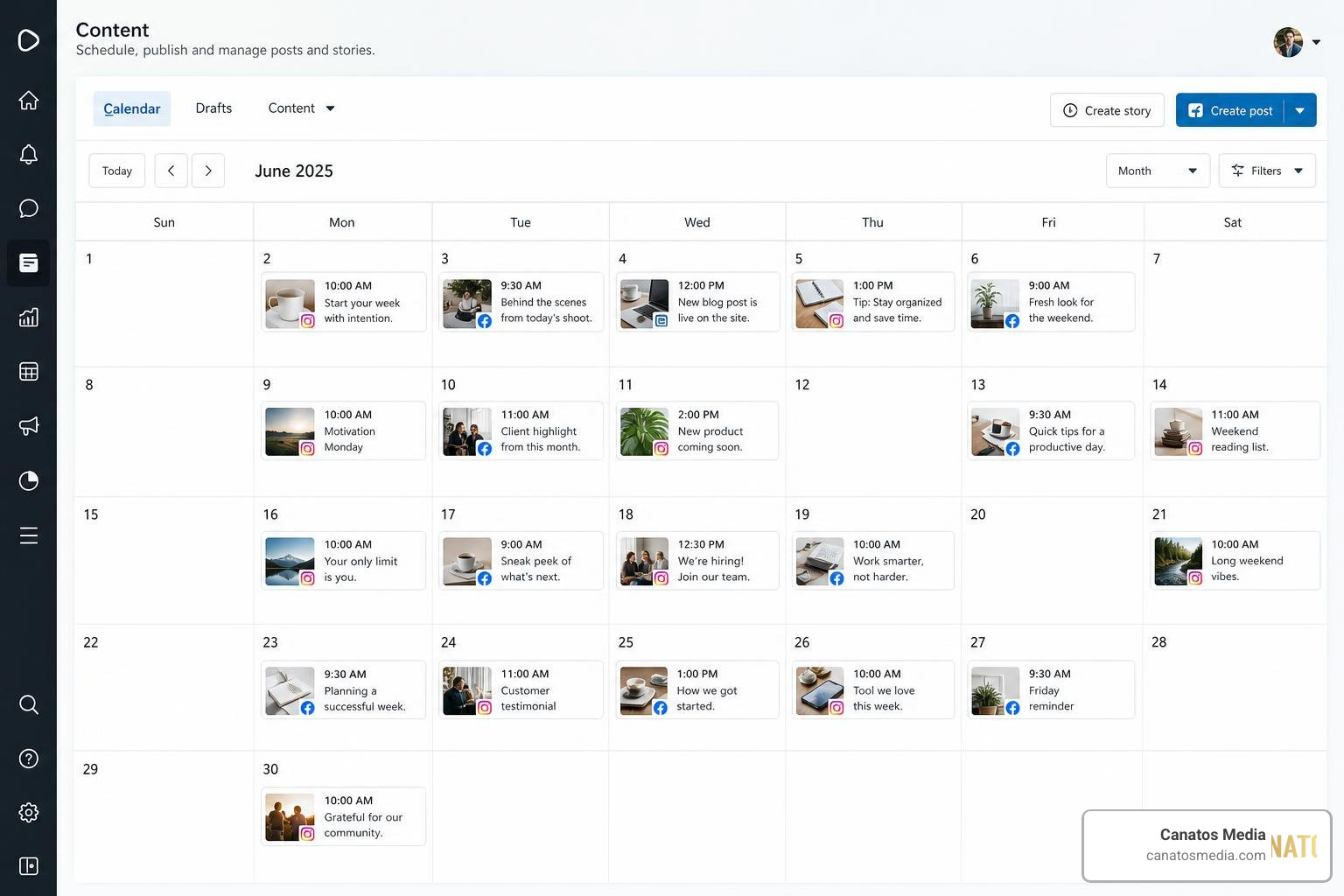
The Lead Generation Problem: Why Traditional Marketing Isn’t Working
Video Production Lead Generation for Service Businesses
Most service business owners we speak with are stuck in the same cycle: they’re spending money on ads, getting traffic, but watching leads dry up. The issue isn’t your budget or your offer. It’s that potential customers don’t trust text and static images the way they used to.
Traditional marketing assumes people will read long-form copy, compare features, and make rational purchasing decisions. In 2026, that’s not how buying works. Prospects want to see proof that your service actually works. They want to know what it feels like to work with you. They need confidence built through visual storytelling, not promises.
When you rely only on paid search or generic display ads, you’re competing on price and keyword placement. When you build your lead generation around video content, you’re competing on trust and results. The difference shows up directly in your conversion rates.
Here’s what we’ve observed: businesses that incorporate video into their marketing funnel see 2-3x higher engagement rates than those using static content alone. More importantly, video prospects are more qualified. They’ve already experienced your brand narrative and decided they want to learn more, so they’re further along in their buying journey.
Action step: Audit your current lead sources for the next week. Track which ones produce the most qualified leads, not just the most leads. You’ll likely notice video-based touchpoints perform differently.
How Video Content Changes the Buyer’s Journey
Video doesn’t just make your marketing prettier. It fundamentally changes how prospects move through your sales funnel.
In the awareness stage, video gives potential customers a reason to stop scrolling. They might not even know they have a problem yet, but a well-crafted video showing real transformation can catch their attention where text never would.
At the consideration stage, video lets prospects experience your team and your process without booking a call. A prospect can watch how you handle a client situation, hear your approach explained by the founder, or see the actual results you deliver. This answers dozens of unspoken questions before anyone reaches out.
By the decision stage, video testimonials and case studies provide the social proof people need to commit. Video from real customers carries more weight than a written review because authenticity is harder to fake on camera.
The critical shift: prospects who consume video content about your business before reaching out tend to have higher close rates. They’re pre-qualified by their own decision to watch. They’ve chosen to invest their time in understanding your offer, which signals genuine interest.
We’ve also noticed that video extends the conversation timeline in your favor. A prospect might watch a short-form video, then days later remember your brand and click a link to learn more. That’s multiple touchpoints without multiple ad spends.
Action step: Map your current customer journey and identify where video would save the most questions. Usually, it’s right after someone clicks an ad but before they book a consultation.
The Difference Between Generic Video and Cinematic Storytelling
Not all video is equal. A shaky phone recording of your team might feel authentic, but it won’t inspire confidence in high-ticket services. On the flip side, overly produced corporate videos feel disconnected from reality.
Cinematic storytelling sits in the middle: professional production quality combined with authentic human moments. It means showing real team members and real clients within a narrative that illustrates your value. The production quality says “we take this seriously.” The story says “we understand your situation.”
When we produce video content for service businesses, we focus on transformation, not features. Instead of listing what you do, we show what changes for clients after working with you. That could be a home services business showcasing a before-and-after renovation with the client explaining how it improved their daily life. Or a consulting firm showing how a confused founder moved to confident leadership.
The cinematic approach also means investing in shot composition, color grading, and sound design. Details matter because they build trust. A video with poor audio makes viewers question everything else, even if your service is excellent. A video with intentional framing and color palette feels premium and thought-through.

Generic video feels like a box to check. Cinematic storytelling feels like a reason to choose your business.
Action step: Watch three videos from businesses in your industry. Note which ones actually make you feel something versus which ones you could ignore. That’s the gap you need to close.
Short-Form Video: The Format That Actually Converts
Long-form video has its place for brand building, but short-form is where lead generation happens. We focus on short-form video production because it aligns with how people actually consume content on social platforms.
Thirty to ninety seconds is the window where you capture attention, tell a story, and create a reason for someone to take the next step. Longer videos work on YouTube when someone is intentionally seeking knowledge. Short-form works everywhere else because it respects the viewer’s time while still conveying value.
The format also allows you to test messaging quickly. You can produce variations of the same concept, measure which versions get higher engagement and click-through rates, then double down on what works. That rapid feedback loop is impossible with traditional content production.
Short-form videos also perform exceptionally well in paid advertising. When someone sees an ad that looks like native content rather than a commercial, they’re more likely to watch it. A short-form video on Instagram Reels or TikTok styled as content feels native and gets better performance than a traditional ad angle.
For service businesses specifically, short-form excels at showing results, highlighting team expertise, answering common questions, and building familiarity. You can post 3-4 times per week without feeling like you’re overwhelming your audience, and each piece is an opportunity to trigger someone’s decision to reach out.
Action step: Choose one result your clients value most and brainstorm five different 60-second angles that showcase it. Variety keeps your audience engaged while reinforcing the same core message.
Integrating Video with Paid Advertising for Maximum ROI
Video content gains power when you distribute it intentionally through paid channels. A great video that no one sees generates zero leads.
We combine video production with Meta and Google advertising to ensure the right people see your message at the right moment. A lead magnet video on Facebook might introduce a prospect to your approach. A follow-up video on Google ads could retarget them as they research further. A short testimonial video in a campaign might close someone on the fence.
The integration works because paid advertising gives you precision targeting that organic reach can’t match. You can show video specifically to people searching for your service type, living in your area, or matching your ideal customer profile. The video does the trust-building work while the ad placement does the targeting work.
We’ve also found that video ads generate higher click-through rates than static ads at similar or lower cost. The cost per view might be higher, but the cost per qualified lead is typically lower because video drives better engagement and higher-intent clicks.
One practical approach: use short, hook-heavy video in awareness-stage ads to build familiarity. Use longer, explanation-focused video in consideration-stage retargeting. Use testimonial video in decision-stage campaigns. Each format and length serves a specific moment in the funnel.
Action step: Identify your three highest-converting ad campaigns from the past year. Redesign one using video content and measure the difference in cost-per-lead and conversion rate after two weeks of data.
Building a Complete Lead Generation System Around Video
Video is most effective when it’s part of a coordinated system, not a standalone tactic. We help our clients build what we call an all-in-one marketing funnel that uses video as the centerpiece.
This system includes landing pages that feature video prominently, email sequences that incorporate video clips, lead magnets delivered as video content, and retargeting campaigns that show different video assets based on where the prospect is in the journey. Everything works together.
The system also requires social media management that distributes video strategically across platforms. Instagram Reels demand a different edit than YouTube Shorts or LinkedIn videos. A platform-specific approach means your video content actually performs well wherever it appears.
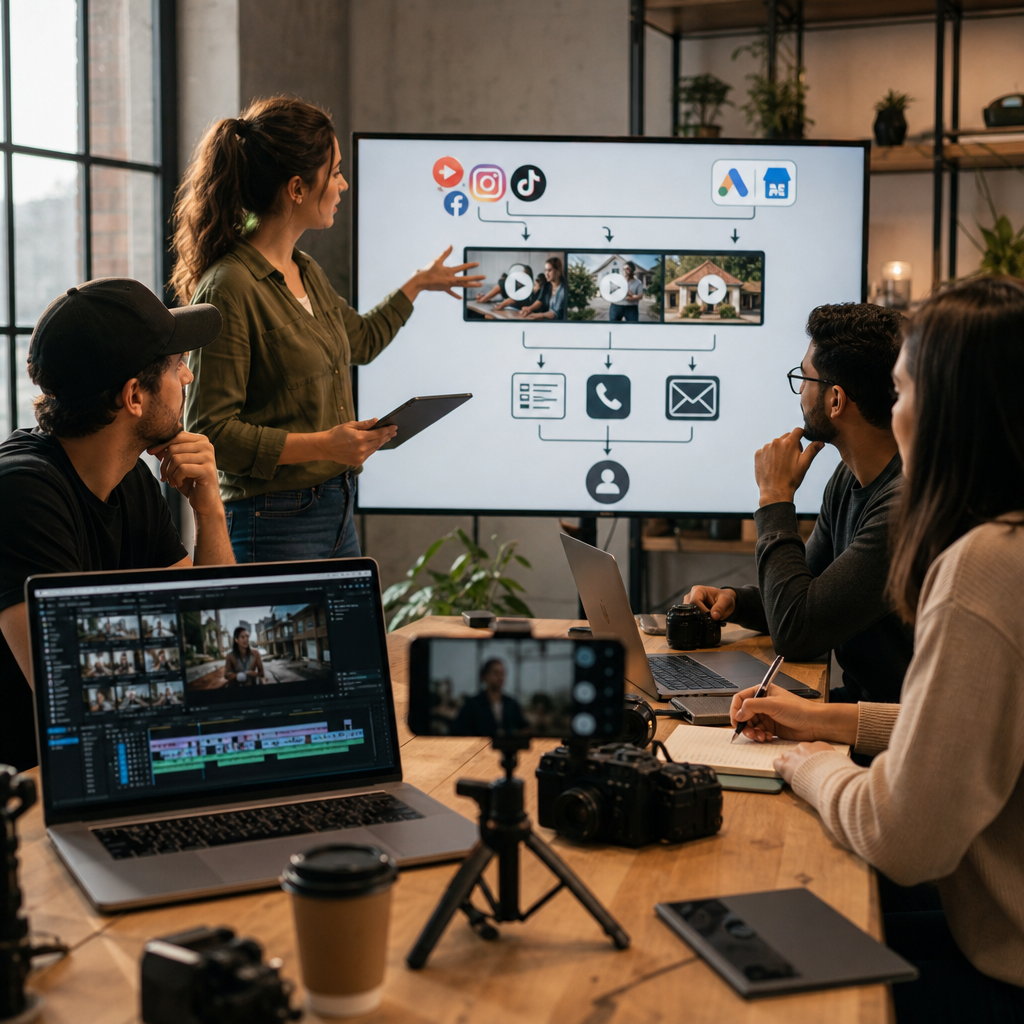
Lead capture is another critical component. Many businesses produce great video but fail to connect views to lead form submissions. We use calls-to-action within videos, strategic landing page placement, and email integration to turn viewers into captured leads that enter your sales pipeline.
Finally, the system includes measurement and optimization. You’re tracking which videos drive the most qualified leads, which platforms produce the best engagement, and which messaging resonates with your audience. That data guides what you produce next.
Action step: List every place your prospects might encounter your brand online. For each touchpoint, decide what video content would belong there and in what format.
How We Combine Video Production with Social Media Strategy
Video production and social media management need to work together or neither reaches full potential.
Our approach starts with understanding your social media goals and audience. We don’t just produce beautiful videos and hope they perform well. We produce videos specifically designed to stop scrolls, encourage shares, and drive actions within each platform’s algorithm.
Then we implement a consistent posting schedule that keeps your audience familiar with your brand. Consistency matters more than perfection. A business posting one solid video weekly outperforms a competitor posting once monthly, even if that monthly video is technically better produced.
We also manage the social channel itself, responding to comments, engaging with prospects’ content, and building community. Video brings people to your page, but interaction keeps them there. An unanswered comment under a video that gets 10,000 views is a missed opportunity.
The combination approach also allows for real-time optimization. If a particular video style or topic gets extraordinary response, we can adjust our content calendar to produce more of it. If a platform shift happens, we adapt the format to match.
Action step: Choose one social platform where your ideal customers spend time. Commit to one week of daily monitoring and engagement, then expand your timeline if you’re seeing positive responses.
Measuring Video Performance: From Views to Actual Sales
Views are vanity metrics. Sales are reality. We build measurement systems that connect video engagement all the way back to revenue.
This requires tracking multiple layers. First, we measure video performance metrics: views, watch time, engagement rate, shares, and click-through rate on any calls-to-action. These tell us if the content is working as content.
Second, we track how those views convert to lead form submissions, email signups, or website visits. A video might get 5,000 views but only 12 of those viewers become leads. Knowing that ratio is essential.
Third, we connect those leads to your sales pipeline. Which leads from video content are actually scheduling calls? Which are becoming paying customers? What’s the average deal size from a video-sourced lead compared to your other channels? This is where video’s real value emerges.
We typically see video-sourced leads have higher close rates than other channels, which often makes them the most profitable leads even if the raw volume seems lower.
The measurement also guides your next production decisions. If testimonial videos convert at twice the rate of educational videos, you know where to invest your production budget.
Action step: Set up conversion tracking for one video campaign this week. Choose one key action (form submission, call scheduled, purchase completed) and measure the complete path from video view to that outcome.
The Multi-Location Advantage: Scaling Video Across Your Business
For businesses with multiple locations or service areas, video production creates a scalability challenge. Filming custom content in 10 different locations sounds expensive.

We’ve developed approaches that solve this. Foundational videos about your overall approach, team expertise, and core processes are produced once and work everywhere. Location-specific videos about local results, team members at each branch, and localized market knowledge are produced in batches when our production crew visits each location.
This hybrid approach cuts production costs significantly while maintaining the appearance of locally-relevant content. A prospect in Denver sees videos featuring Denver team members and Denver clients, but they’re also seeing the same core narrative as prospects in Austin.
The system also allows for variations on the same core content. One video shoot produces multiple short-form clips, each emphasizing different angles for different audience segments. A 90-minute shoot might yield 12-15 videos for distribution across social, email, and paid advertising.
For multi-location service businesses, this approach typically produces leads across your entire footprint while feeling locally authentic.
Action step: If you operate multiple locations, identify your three most-filmed locations and plan a production visit within the next two months. Allocate a half-day at each location.
Getting Started with a Video-First Marketing Approach
The transition to video-first marketing doesn’t require overhauling everything immediately. Start with one core video that represents your approach, share it strategically, and measure the response.
Most service businesses benefit from beginning with what we’d call a “why choose us” video. This is 90 seconds of your founder or lead team explaining your philosophy and what makes your approach different. It’s not a sales pitch. It’s a values alignment piece that shows prospects who you are before they talk to your sales team.
After that, add one video per week focused on different angles: client results, team expertise, process explanations, common questions answered, or social proof. Build a small library over eight weeks and see how your lead generation shifts.
Invest in professional production quality, but not in unlimited complexity. You need good lighting, clear audio, and intentional composition. You don’t need multiple cameras, drone shots, or graphic animations unless they directly serve your message.
Partner with a team that understands both production and marketing strategy. The most beautiful video that doesn’t convert is a wasted expense. The most strategically sound video that looks amateur won’t get views. You need both.
We’re ready to help you build a video production strategy that fills your pipeline with qualified leads. Let’s start with understanding your current bottleneck and building a realistic plan to address it.
Contact us today for a free consultation to see how we can help you grow your business.
Frequently Asked Questions (FAQ)
How do we turn video views into actual leads and sales?
We combine cinematic short-form video content with integrated paid advertising and lead capture systems. Our approach starts with creating compelling visual storytelling that stops the scroll, then we strategically place that content in front of your target audience through Meta and Google advertising while simultaneously optimizing your website and social channels to convert viewers into qualified leads. We measure every step of this journey, tracking which videos generate the highest-quality leads so we can continuously improve your results.
What makes your video production different from generic content creation?
We specialize in cinematic storytelling rather than generic promotional videos. Our productions use professional cinematography, intentional messaging, and brand narratives that resonate with your ideal customers, which produces significantly higher engagement and conversion rates than standard content. We also tailor every video to fit short-form platforms where service business audiences actually spend their time, ensuring your investment drives real business outcomes instead of vanity metrics.
Can we scale video marketing across multiple locations?
Yes, and that’s one of our core strengths with multi-location brands. We develop video templates and messaging frameworks that maintain consistent brand identity across all your locations while allowing for local customization. This lets us produce high-quality cinematic content at scale without the typical cost of shooting custom videos for every single location, making video marketing economically viable for larger service-based networks.