Why Most Video Ads Fail to Convert: The Real Problem
The core issue isn’t that video ads don’t work. It’s that most businesses treat them like broadcast content rather than performance marketing. We see brands spend five figures on production only to run ads with no clear offer, no urgency, and no tracking infrastructure behind them.
Many video ads fail because they prioritize view counts over conversions. A 10-million-view video that generates zero leads is an expensive vanity metric. The disconnect happens when creative teams and performance teams don’t speak the same language. Filmmakers optimize for emotion and narrative; conversions live in specificity and clarity.
Another major blocker: mismatched audience and message. We’ve watched companies blast the same 60-second hero video to cold audiences, warm prospects, and existing customers simultaneously. Each group needs different messaging, different lengths, and different calls-to-action. Running one generic ad wastes budget on viewers who aren’t ready to respond.
Technical setup compounds the problem. Most platforms require pixel tracking, proper audience segmentation, and bid strategy alignment to deliver results. Without these fundamentals, even exceptional creative underperforms.
Actionable next step: Audit your current video campaigns. Note which videos drove clicks, which drove actual conversions, and which just accumulated views. This baseline will clarify where your optimization gaps are.
The Cinematic Advantage: How Premium Storytelling Drives Performance
Cinematic production doesn’t mean slower, less effective ads. When done strategically, premium storytelling actually improves conversion rates because it builds trust and differentiation faster than generic stock footage.
We’ve found that cinematic brand video campaigns outperform standard ads in three measurable ways. First, they stop the scroll. In a feed full of basic images and text, a beautifully shot 15-second video commands attention without sound. Second, they communicate quality and credibility instantly. A service-based company shot on professional equipment feels more established than one using smartphone footage. Third, they create emotional anchors that make people remember your brand and return to convert later.
The key is pairing cinematic production with performance discipline. We don’t make art films; we make ads that sell. That means every shot serves a purpose, every transition reinforces your message, and every frame works without sound (since most platform views happen muted).
A roofing contractor we worked with needed leads, not just brand awareness. We shot cinematic 15-second videos showing their process, their team, and real customer testimonials in a way that felt premium. The production quality signaled professionalism; the testimonials signaled social proof. Result: 3.2x return on ad spend within the first month.
Cinematic storytelling also extends video lifespan. A well-crafted brand film works across multiple campaigns, platforms, and audiences over months or even years. That production investment compounds.
Action for you: If your current video ads use basic B-roll or text overlays, consider investing in one high-quality 30-60 second brand film. Edit it into multiple shorter versions (15s, 6s) for different platforms and audiences. One premium production can fuel an entire quarter of campaigns.
Meta Video Ad Optimization: Platform-Specific Strategies We Use
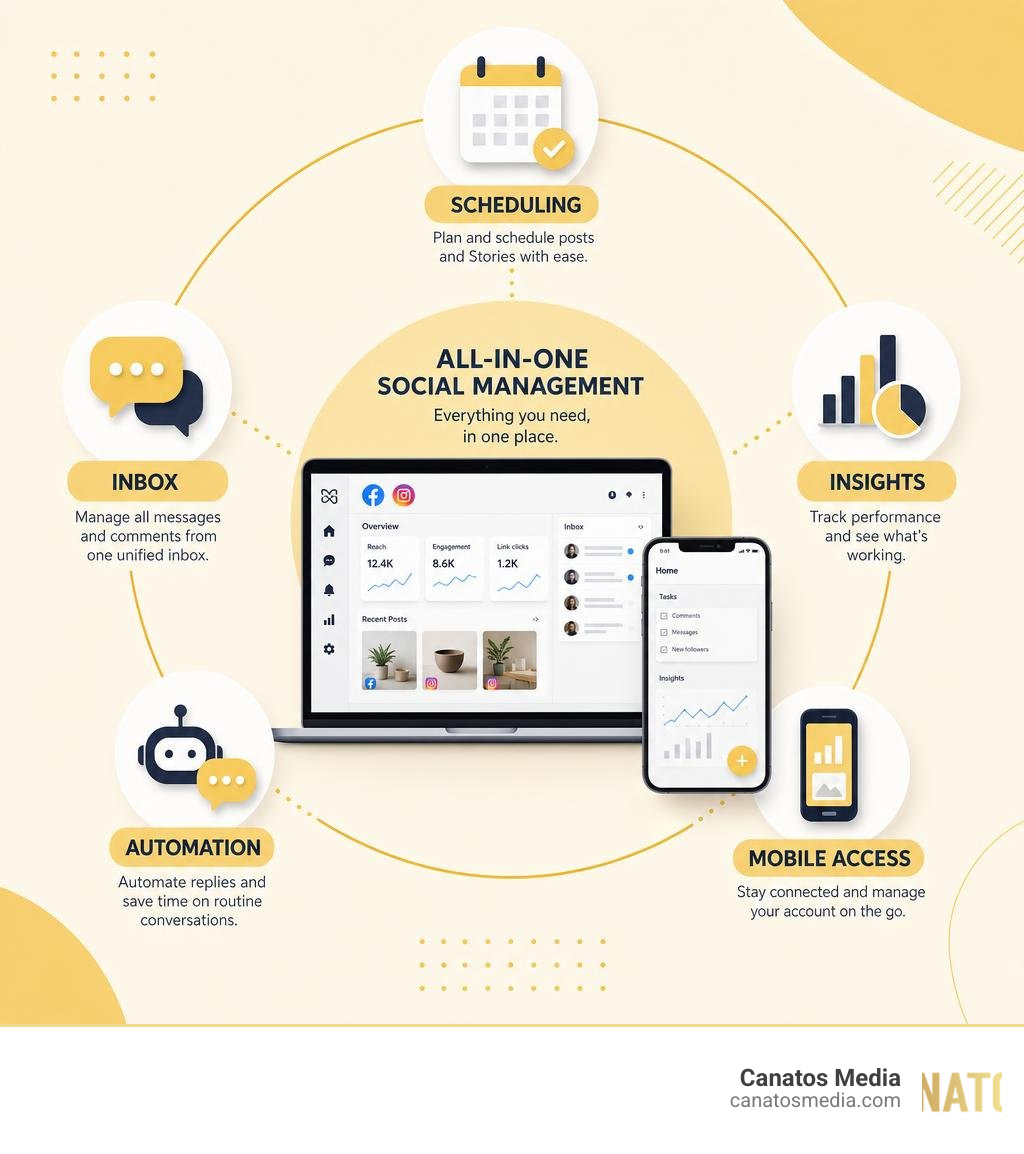
Meta platforms (Facebook and Instagram) reward video ads that keep people watching. The algorithm prioritizes watch time and completion rate, which means your opening frame and first three seconds are critical.
We structure Meta video ads differently than YouTube ads because the viewing context is different. Most Meta viewers are passive and muted. Your video must hook them instantly through visual storytelling, text overlay, or immediate action on screen. Hook first, then introduce your product or offer.
Meta’s optimization options give us fine-grained control. We typically run campaigns with multiple objectives depending on the funnel stage:
- Cold audiences: Optimize for video views to build awareness and generate creative feedback
- Warm audiences: Optimize for conversions or lead form clicks with a clear offer
- Retargeting: Optimize for conversion or catalog sales if you have an e-commerce component
Our Meta and Google Advertising approach always includes A/B testing on primary elements: thumbnail image, opening hook, video length (we often test 6s vs 15s vs 30s), and call-to-action placement. We let the data guide optimization rather than guessing.
We also adjust video specs for each Meta placement. Feed ads perform differently than Stories ads; Reels differ from standard video. We compress file sizes appropriately and frame content for vertical viewing when relevant.
Your next move: Review your Meta ad account’s completion rates. If they’re below 50%, your hook isn’t working. Test shortening your video to 6 seconds or leading with a stronger visual element to grab attention sooner.
Google Video Advertising: Search and YouTube Integration for Results
Google’s video ecosystem spans YouTube (display), Search (text-triggered video ads), and YouTube Shorts. Each channel serves different intent and requires different optimization.
YouTube ads work well for interest-based targeting and brand awareness at scale. If someone is watching content related to your industry, a YouTube bumper or skippable ad reaches them in a receptive moment. We optimize YouTube campaigns for view-through rates and cost-per-view, then retarget viewers who didn’t skip.
Google Search video ads are underutilized but powerful. When someone searches a high-intent keyword (like “commercial HVAC repair near me”), a short video answer appears alongside text results. These ads catch people mid-decision, and they perform exceptionally well for service businesses.
YouTube Shorts ads are newer but increasingly effective for reaching younger audiences and capturing short-form attention. These follow social media principles more than traditional YouTube, so we treat them similarly to Meta Reels.
Our Google video ad strategy focuses on intent alignment. We match video messaging to what people are actively searching for or the content they’re consuming. A plumber shouldn’t run the same ad on YouTube videos about home renovation as they do on searches for “emergency plumber near me.”
We also layer Google conversion tracking across all video properties. This means we can connect video views to actual calls, form submissions, or sales, not just vanity metrics.
What to test: Search for your own high-intent keywords in your industry. If you’re not appearing with a video ad, you’re missing opportunity. Start with 5-10 high-intent keywords and test YouTube Search video ads for 2-4 weeks.
Building Your Video Production Workflow for Campaign Success
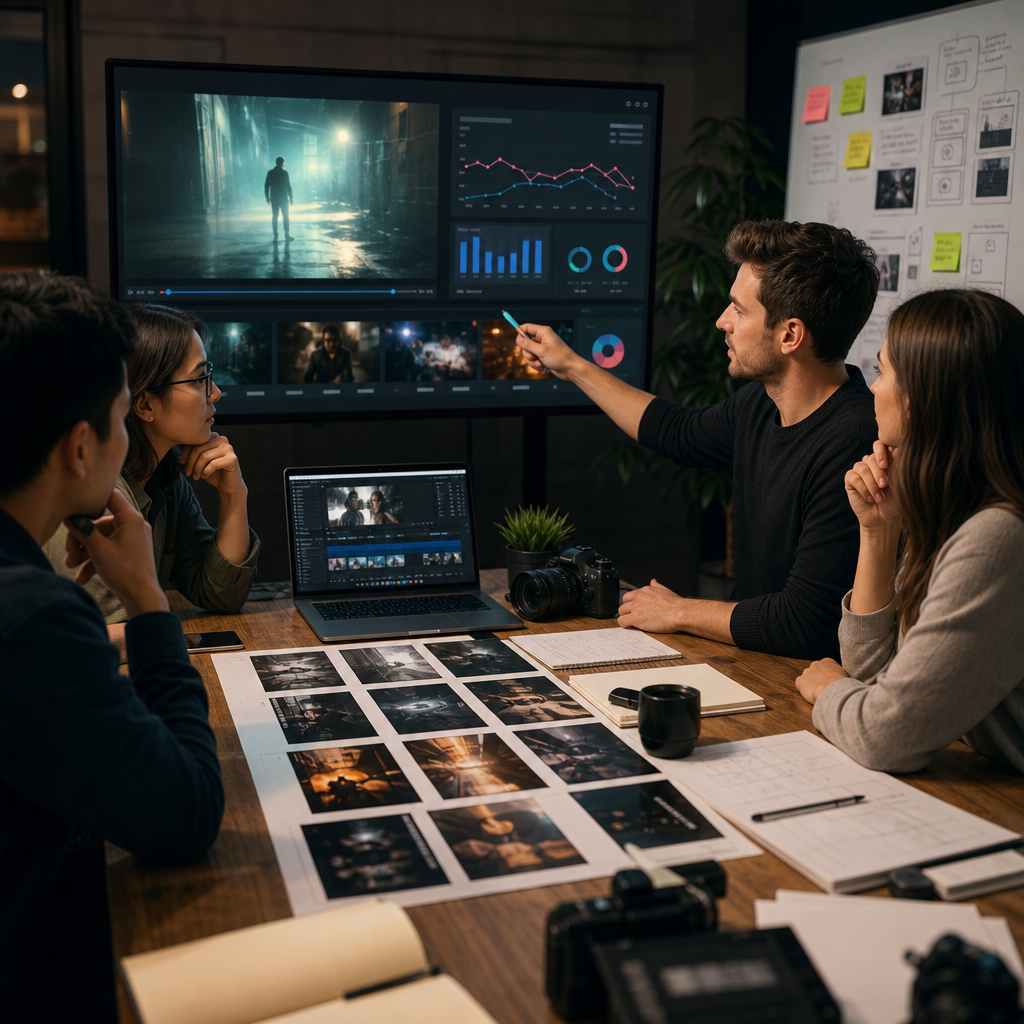
Sustainable video advertising requires a production workflow that scales without becoming chaotic. We’ve built systems that allow us to produce multiple videos monthly while maintaining cinematic quality and performance focus.
Our workflow starts with strategy, not cameras. Before shooting anything, we define the campaign objective, audience segment, and primary offer. A video made without these anchors almost always underperforms. We brief the production team on performance goals, not just aesthetic goals.
During pre-production, we script every video with the assumption that most viewers won’t have sound. We include text overlays, on-screen action, and visual storytelling that work independently of audio. We also build in multiple edit variations during shooting so one day of filming yields several video lengths (6s, 15s, 30s).
Post-production focuses on optimization from day one. We color-grade to match your brand; we edit for platform specs; we add subtitles and overlays. Then we prepare multiple variants: muted versions, versions with music, versions with voiceover, versions with captions. This variation library becomes fuel for ongoing testing.
Once videos launch, we monitor performance weekly. Underperforming creative gets paused; high-performing ads get scaled budget. We also gather audience feedback through pixel data and comments, which informs the next round of production.
The result: continuous improvement. Your first video rarely performs as well as your fifth. A structured workflow lets you iterate quickly without breaking the bank.
Implementation step: Document your current video creation process from concept to launch. Where are the bottlenecks? Most teams lose weeks waiting for approvals or revisions. Build a single approval path and define revision rounds upfront to accelerate your timeline.
Measuring What Matters: Tracking Performance Metrics That Predict Sales
Not all metrics are equal. Impressions and views feel good but don’t pay bills. We focus on metrics that predict actual business outcomes: cost-per-conversion, cost-per-lead, and ultimately, return on ad spend.
Every video campaign needs proper tracking infrastructure. This means conversion pixels installed on your website, form submission tracking in your CRM, and if possible, offline conversion data (phone calls, in-store visits) synced back to your ad platform. Without complete tracking, you’re flying blind.
We separate metrics by audience stage:
- Top-of-funnel (cold audiences): Track view-through rate, engagement rate, and cost-per-video-view
- Mid-funnel (warm audiences): Track cost-per-click, cost-per-lead, and lead quality indicators
- Bottom-of-funnel (retargeting): Track conversion rate, cost-per-conversion, and customer acquisition cost
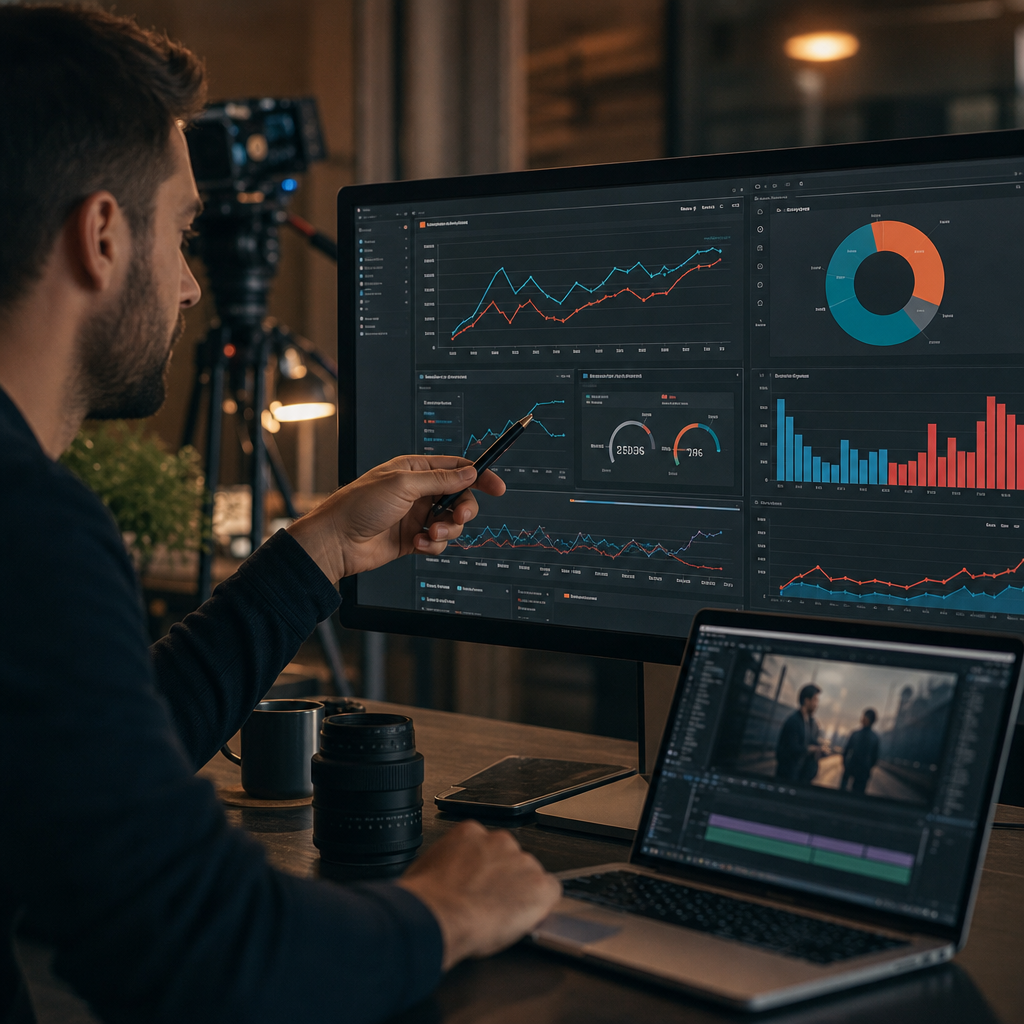
This segmentation prevents us from over-investing in awareness-stage campaigns while lead-stage campaigns starve for budget. Each funnel level has appropriate expectations and metrics.
We also track secondary signals that predict future performance: time-on-page after clicking a video ad, bounce rate, and form abandonment rate. A video that drives 100 clicks but 95% bounce rate isn’t working, even if the click cost looks good.
Action: Set up conversion tracking on your website today if you haven’t already. Install the Meta pixel and Google pixel on every page. Without this, you cannot accurately measure whether your video ads actually convert. Once tracking is live, allow 2-4 weeks of data collection before optimizing campaigns.
Lead Generation Through Strategic Video Ad Placement
Video ads are exceptional lead generators when placed strategically in your funnel. We don’t just rely on organic video views; we use videos as conversion tools within a structured lead-generation system.
One effective approach: create a curiosity-driven video ad (15-30 seconds) that leads to a landing page with a video-enhanced form. The video establishes credibility and motivation; the form captures contact information. This two-step process typically converts better than asking for an email immediately in the ad.
Another high-performing tactic is video testimonials in lead-stage campaigns. When a warm or retargeting audience sees a customer sharing specific results (25% revenue increase, 40 days faster delivery), they move toward a decision. Video testimonials outconvert text testimonials significantly because they feel authentic and specific.
We also use video to educate prospects who aren’t ready to buy. A 3-minute educational video explaining your service, answering common questions, or showing your process pre-qualifies leads and reduces sales team friction later. When someone converts after watching educational content, they’re typically further along and easier to close.
Strategic placement across your All-in-One Marketing Funnel means different videos at different points. Top-of-funnel videos build awareness. Mid-funnel videos educate. Bottom-of-funnel videos include clear offers and social proof.
Immediate tactic: Map your current sales funnel. Where are prospects dropping off? A video placed at that stage (addressing objections, showing proof, or explaining next steps) will likely improve conversion rate.
Integrating Video Ads Into Your Broader Digital Strategy
Video ads don’t exist in isolation. They work best as part of a comprehensive digital strategy that includes organic social content, email marketing, SEO, paid search, and website optimization.
We see the highest ROI when video campaigns align with other channels. For example, a video ad campaign announcing a new service should coincide with organic posts about that service, email announcements to your list, and updated website copy. This multi-channel consistency reinforces your message and improves overall conversion rates.
Video also extends the lifecycle of other campaigns. A winning SEO article can become the foundation for a video summary. A popular email offer can become a video ad. Repurposing high-performing content into video format multiplies your content investment.
Retargeting pixel data from video ads also feeds your email strategy. People who watch 75% of your brand video but don’t convert might benefit from a follow-up email sequence. Those same video viewers become higher-value lookalike audiences for future paid campaigns.
We also integrate video into your organic social strategy. Videos that perform well as ads often perform well as organic content too. The reverse is true: organic hits should be considered for paid amplification. This connection creates a flywheel where content and paid support each other.
Strategy session: List your three best-performing organic social posts from the past three months. Could any of these become a paid video ad? Start with one and test it for 2-4 weeks.
Common Video Ad Mistakes We Help You Avoid
Most video ad underperformance stems from a few preventable mistakes. Knowing these helps you skip ahead to what actually works.
The most common error is leading with your logo or company name. Your audience doesn’t care about your brand in the first three seconds; they care about what’s in it for them. Lead with benefit, result, or curiosity. Introduce your brand once you’ve earned attention.
Another frequent mistake is mismatched production quality and targeting. A beautifully shot video about high-end services shouldn’t reach budget-conscious audiences. Conversely, overspending on production for a simple discount offer often wastes budget. Match production caliber to audience willingness-to-pay.
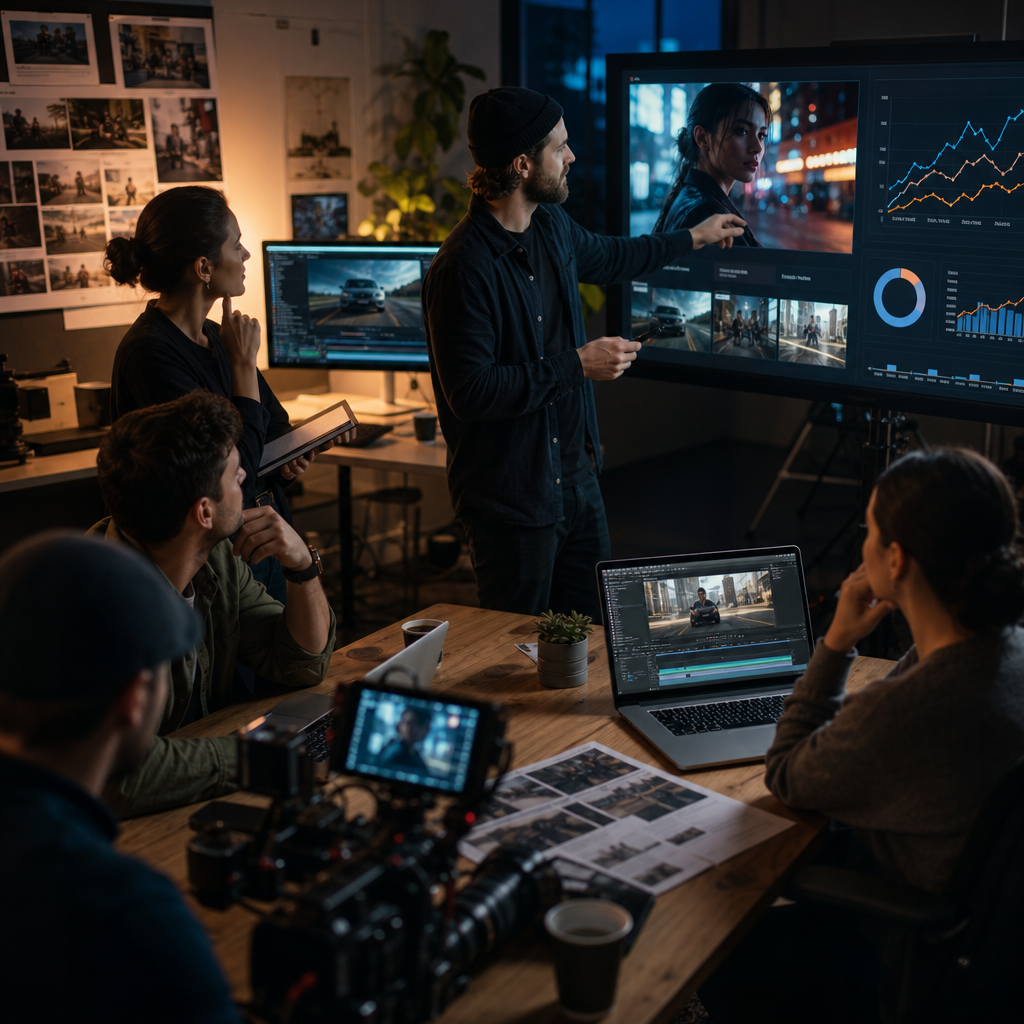
We also see businesses run single videos to all audiences and call it a strategy. Effective campaigns use audience-specific videos or at least audience-specific messaging overlays. Your existing customers need different motivation than cold prospects.
Poor file optimization is another hidden drain. Video files that are too large load slowly and get fewer views. Ads that aren’t properly formatted for vertical viewing on mobile get poor engagement. These technical details matter more than most realize.
Finally, not testing variants is a missed opportunity. Running one video at one ad length to one audience and expecting optimal results rarely happens. A/B testing different hooks, lengths, calls-to-action, and audiences almost always reveals performance gains of 20-50%.
Diagnostic check: Review your three lowest-performing video ads from the past year. Do any violate these mistakes? If so, fix them and relaunch.
Our Process: From Concept to Launch and Beyond
Our approach to video ad optimization begins long before we hit record. We start with a strategy session where we understand your business, audience, conversion goals, and current marketing performance.
From there, we develop a video content roadmap that aligns with your sales funnel and business objectives. We identify which videos serve awareness, which serve consideration, and which serve conversion. We also determine budget allocation across each stage based on your funnel data.
Production happens next, with the performance requirements built into every decision. We script for muted viewing, shoot for multiple edit lengths, and include B-roll that supports text overlays and lower-thirds. Every production day yields multiple finished assets.
Once videos are ready, we set up tracking infrastructure: pixels, audience segments, and conversion connections. We configure each platform (Meta, Google, or both) with the specific optimization objectives for that audience stage.
Launch is coordinated across channels. We start with smaller budgets and tight audience targeting to validate creative performance. As videos prove themselves, we increase budget and broaden audience parameters. We also begin A/B tests immediately: different hooks, different lengths, different calls-to-action.
Post-launch, we monitor performance daily and optimize weekly. We pause underperformers, scale winners, and test new variations continuously. We also prepare monthly performance reports that show not just spending and views, but actual conversions and ROI.
Throughout this process, we maintain constant communication with your team. You’ll see performance dashboards, understand what’s working and why, and have input on creative direction and budget allocation.
Next step: If you’re ready to optimize your video ad performance, schedule a strategy session with us. We’ll audit your current campaigns, identify optimization opportunities, and build a roadmap for turning video attention into measurable leads and sales.
Contact us today for a free consultation to see how we can help you grow your business.
Frequently Asked Questions (FAQ)
How do we optimize video ads differently on Meta versus Google?
We tailor our approach to each platform’s strengths. On Meta, we focus on thumb-stopping creative within the first three seconds and leverage detailed audience targeting to reach high-intent users. On Google, we emphasize search intent alignment and YouTube placement strategy, where we integrate keywords naturally and design ads for both skippable and non-skippable formats to maximize completion rates and conversions.
What metrics do we actually track to measure if a video ad campaign will generate sales?
We monitor watch-through rates, click-through rates, and cost-per-lead, but we prioritize tracking conversion velocity and lead quality over vanity metrics. Our system connects video ad performance directly to your sales pipeline, so we can see which creative elements and audience segments produce qualified leads that actually close deals.
Why does our cinematic video production approach deliver better ROI than standard video ads?
Cinematic storytelling builds trust and emotional connection, which translates to higher engagement and lower customer acquisition costs. We combine premium production quality with platform-specific optimization, so your brand stands out in crowded feeds while the ads remain strategically designed to convert, not just entertain.