What Is Meta Ad Manager and Why It Matters for Your Business
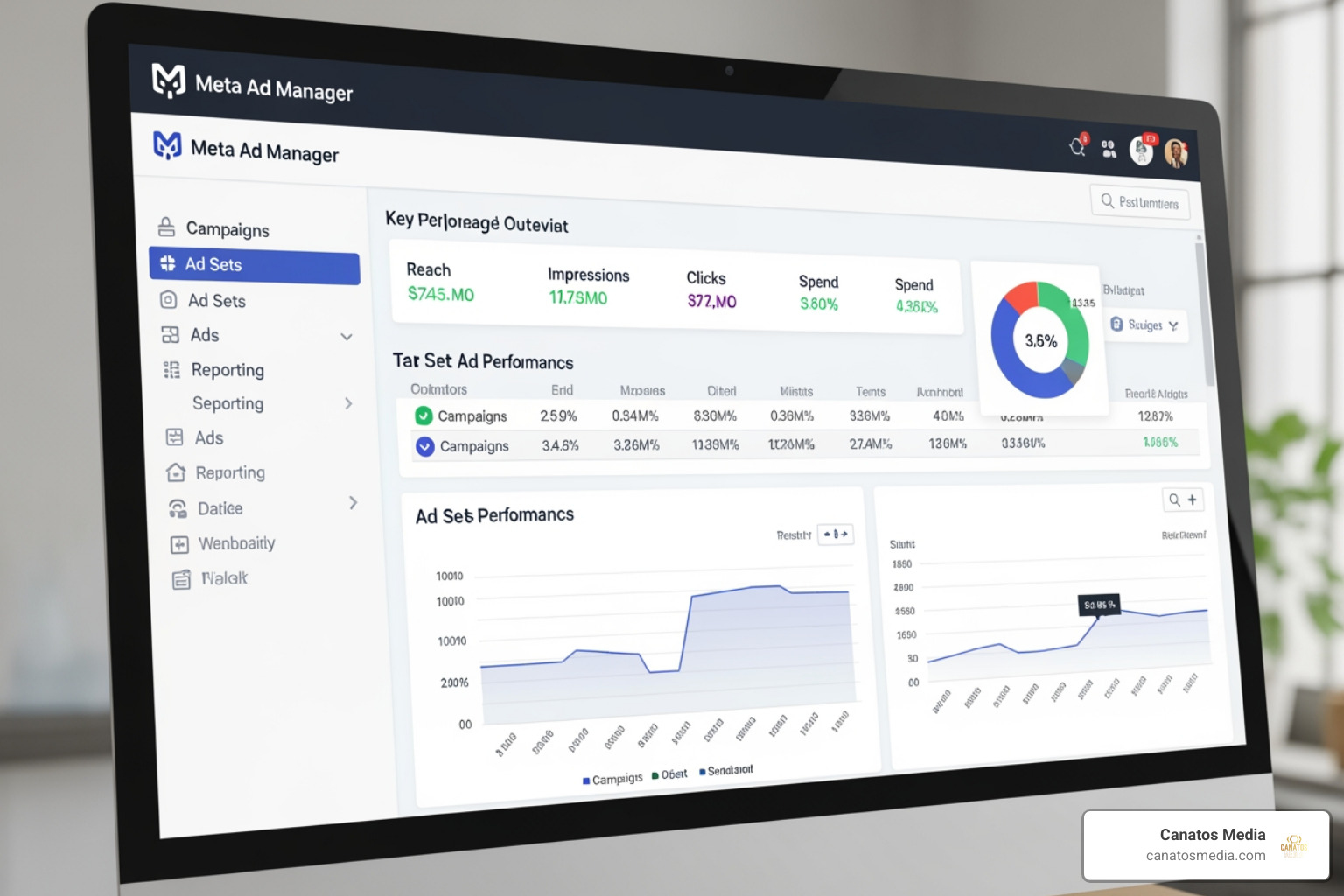
Meta Ad Manager is the central platform for creating, running, and tracking paid ads across Facebook, Instagram, Messenger, and WhatsApp — all from one place.
Here’s a quick snapshot of what it does:
| Feature | What It Means for You |
|---|---|
| Cross-platform ads | Run one campaign across Facebook, Instagram, Messenger, and WhatsApp |
| Audience targeting | Define who sees your ads based on demographics, interests, and behavior |
| Budget management | Set daily or lifetime budgets and control your spend |
| Real-time insights | Track performance and adjust campaigns as they run |
| AI tools (Advantage+) | Automate targeting and creative optimization |
| Mobile app | Manage campaigns from your phone, anywhere |
It’s the most widely used paid social tool in the world — with the mobile app alone pulling 10M+ downloads on Google Play and a 4.3-star rating from over 508,000 reviews.
But here’s the truth: it’s not always easy to use. Between confusing UI updates, AI features that don’t always deliver, and real risks like budget overruns and account issues, many business owners struggle to get results from it.
This guide cuts through the noise and shows you exactly how to use it effectively.
I’m Nic Canobbio, founder of Canatos Media, and I’ve spent years managing paid social strategies — including meta ad manager campaigns — for brands across multiple markets and locations. The insights in this guide come directly from real-world campaign experience, not just theory.
Understanding the Meta Ad Manager Ecosystem
Navigating digital advertising can feel like trying to fold a fitted sheet—frustrating and seemingly impossible until someone shows you the trick. The meta ad manager ecosystem is a massive, interconnected web that allows us to broadcast our brand’s message across some of the most frequented digital real estate on the planet.
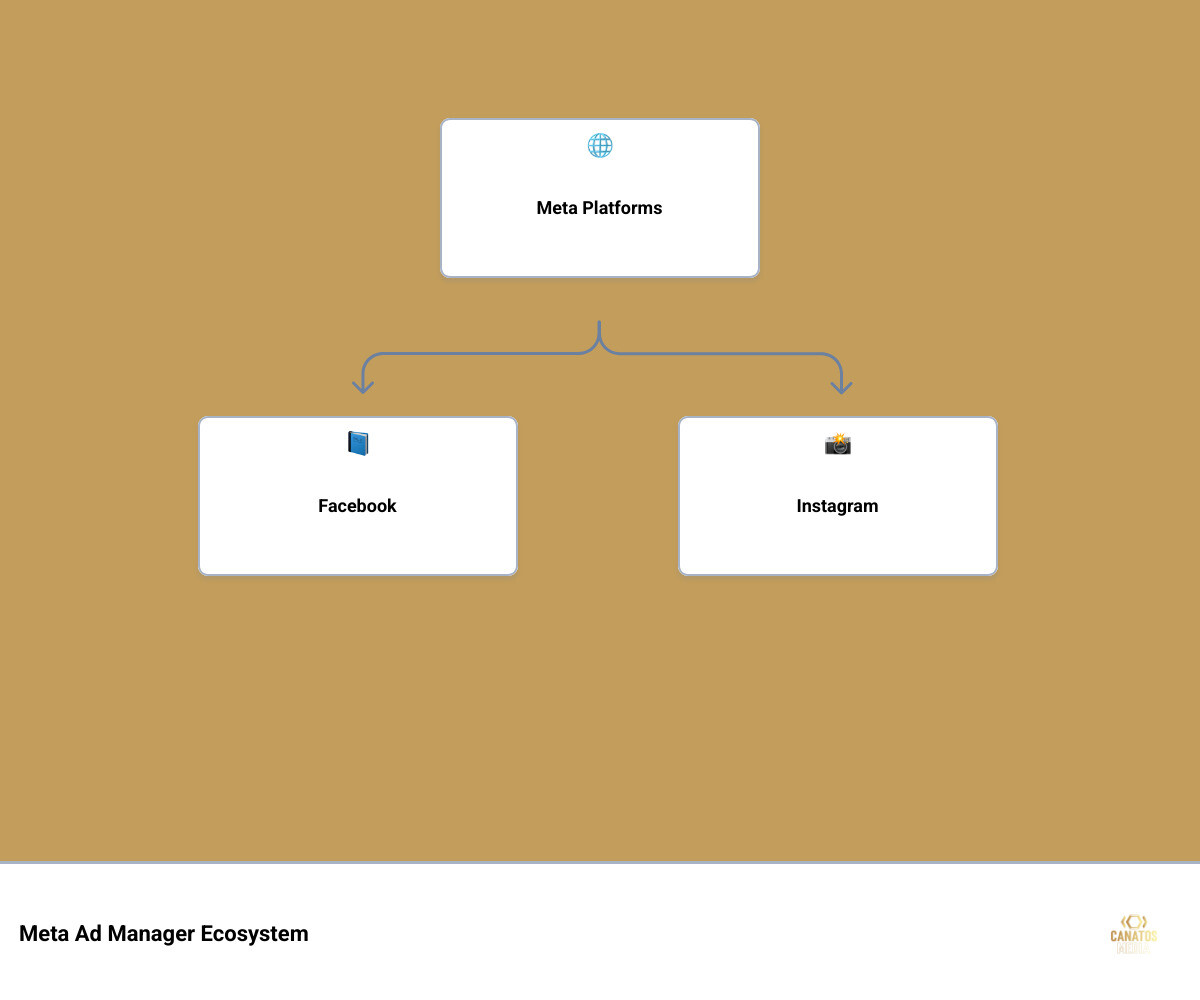
When we talk about About Meta Ads Manager, we aren’t just talking about Facebook. We are talking about a unified command center that pushes content to:
- Facebook: The classic feed, Stories, and Reels.
- Instagram: Where visual storytelling thrives in feeds, Stories, Explore, and Reels.
- Messenger: Direct sponsored messages and inbox ads.
- WhatsApp: Increasingly integrated for business-to-customer communication.
- Audience Network: A collection of third-party mobile apps and websites where your ads can appear outside of Meta’s own platforms.
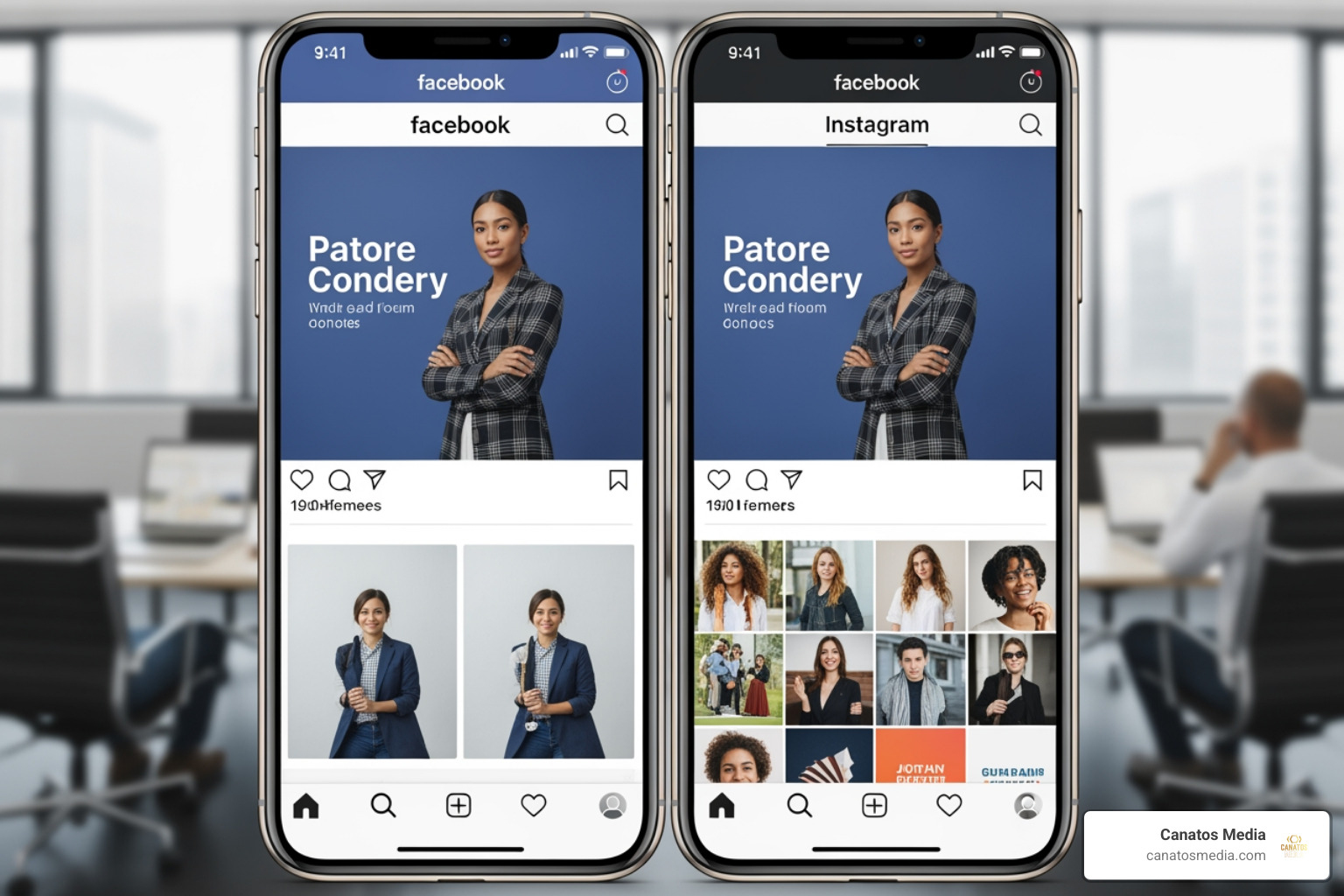
The power of this ecosystem lies in its integration. You don’t have to build four different campaigns for four different apps. You build one, and Meta’s delivery system optimizes where those ads appear based on where your customers are actually hanging out.
The Three Levels of Meta Ad Manager Structure
To master meta ad manager, you have to understand the “Russian Nesting Doll” structure of a campaign. If you get one level wrong, the whole thing can fall apart.
- The Campaign Level (The “What”): This is where you choose your objective. Are you looking for brand awareness, traffic, engagement, leads, app promotion, or sales? This choice tells Meta’s algorithm what success looks like for you.
- The Ad Set Level (The “Who,” “Where,” and “How Much”): This is the engine room. Here, we define our audience targeting (demographics, interests, behaviors), choose our placements (automatic vs. manual), and set our budget and schedule. Create ad campaigns in Meta Ads Manager effectively by ensuring your ad set parameters are tight enough to be relevant but broad enough for the AI to learn.
- The Ad Level (The “Look”): This is what the user actually sees. It involves selecting your creative (single image, video, carousel, or collection), writing your copy, and adding your call-to-action (CTA) buttons.
Setting Up Your Account for Success in 2026
By mid-2026, the setup process has become more streamlined, yet more reliant on “Opportunity Scores.” When you first dive in, the Account Overview page is your best friend. It acts as a diagnostic dashboard, guiding you through the essential prerequisites like adding a valid payment method and verifying your business domain.
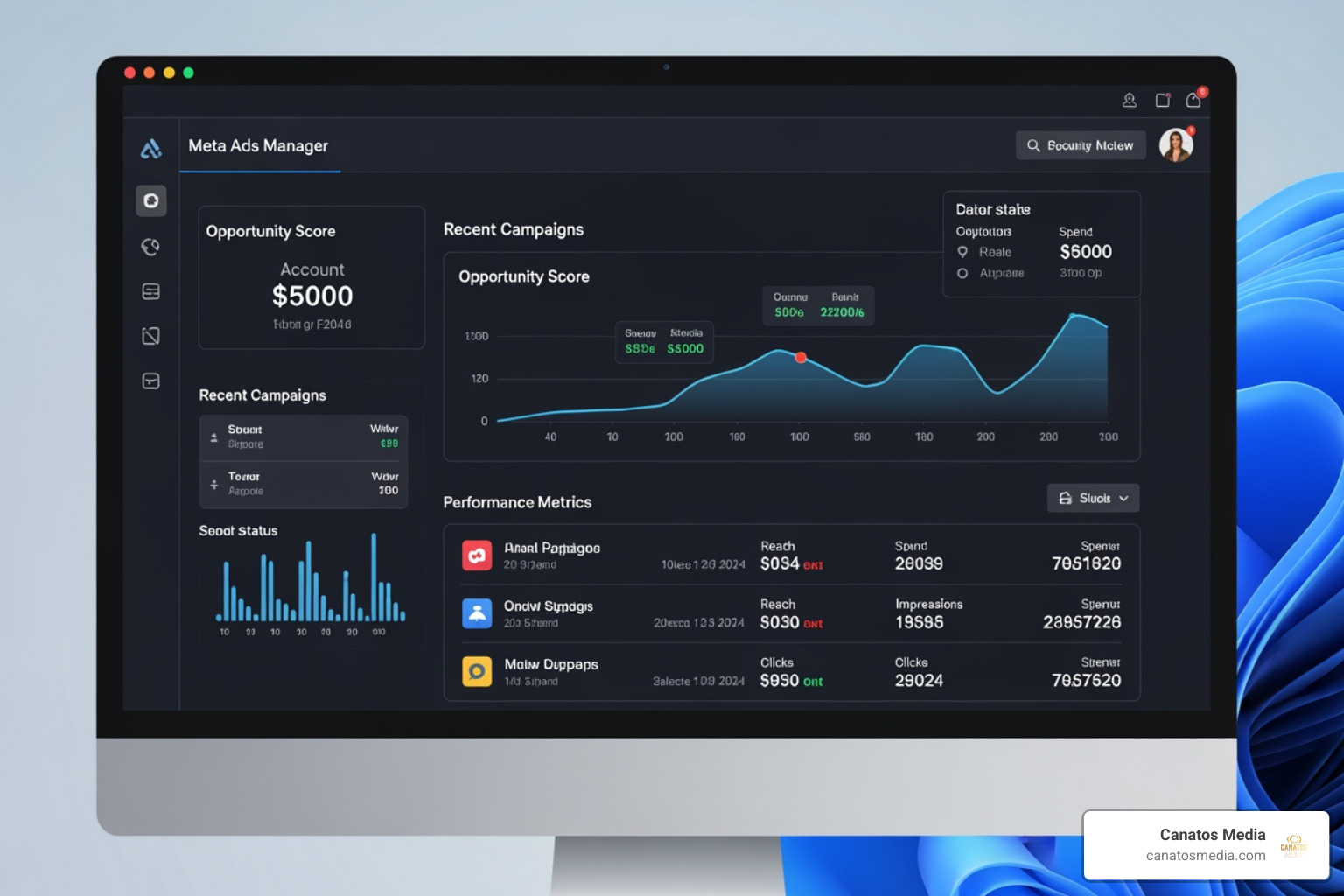
One of the most critical steps in 2026 is monitoring your Opportunity Score. This is a 0-100 point scale that Meta uses to tell you how “optimized” your account is. While it’s a helpful guide, don’t let it bully you into making changes that don’t align with your specific business goals. If you’re looking for a deeper dive into the technicalities of getting started, our Step-by-Step Guide to Paid Ads is a great resource to have open in another tab.
Managing Campaigns on the Meta Ad Manager Mobile App
For business owners in the Tri-State area or Long Island who are constantly on the move, the mobile app is a lifesaver—with caveats. The Meta Ads Manager app (available on iOS and Android) allows for real-time insights and quick pivots.
- The Stats: The app is roughly 104.1 MB and, as of May 2026, requires iOS 15.1 or later.
- The Pros: You can turn campaigns on or off with a swipe, receive instant alerts if an ad is rejected, and perform side-by-side comparisons of ad performance while waiting for your coffee.
- The Cons: It doesn’t have the full functionality of the desktop version. Complex audience building and deep-dive reporting are still best handled on a big screen.
Navigating AI Features and Advantage+ Tools
The biggest shift in meta ad manager over the last few years is the aggressive push toward AI-driven automation, specifically Advantage+. These tools are designed to take the guesswork out of creative and targeting by letting Meta’s AI decide who sees what.
However, “automated” doesn’t always mean “better.” While Advantage+ Shopping campaigns can be incredibly efficient for e-commerce, we’ve seen manual campaigns often provide more control and better long-term stability.
| Campaign Type | Best For | ROAS Potential (User Tests) |
|---|---|---|
| Manual Campaigns | Precise targeting, niche audiences, testing specific variables | 30-40% higher in specific user-tested scenarios |
| Advantage+ | Scaling quickly, broad reach, hands-off optimization | High efficiency for broad-market retail |
At Canatos Media, we often find that a hybrid approach—using Advantage+ for broad reach while maintaining manual “control” groups—yields the best results. You can learn more about how we balance these technologies on our Meta & Google Advertising page.
Troubleshooting Hacks, Payment Failures, and Overspending
Let’s address the elephant in the room: meta ad manager can be glitchy. We’ve seen horror stories in the industry where budgets spiral out of control due to “glitches” or simple setting errors.
The Overspend Danger:
- In one documented case, a campaign with a $50/day budget spiked to $127 in 24 hours (154% over budget).
- Even worse, a $125/day budget once ballooned to $1000 in a single day—an 800% overspend.
To prevent this, we recommend setting Account Spending Limits. This is a hard cap that stops all ads once a certain dollar amount is reached, acting as a “kill switch” for runaway spending.
Hacks and Security: Account security is a major pain point. Many users report “hacked” accounts that are subsequently disabled by Meta, often with little to no human support to resolve the issue. Always enable Two-Factor Authentication (2FA) and regularly audit who has “Admin” access to your Business Manager. If you find yourself in a pinch, our guide on Paid Social Media Advertising: From Zero to Hero covers some of the foundational safety checks you should have in place.
Best Practices for Privacy and Performance
In 2026, privacy isn’t just a legal requirement; it’s a performance factor. With evolving data collection rules, Meta uses encryption in transit and allows users to request data deletion. As advertisers, we must respect these boundaries while still gathering enough data to optimize.
To “Stop the Scroll,” as we like to say, your creative needs to be high-impact. But to “Start the Toll” (the conversion), your data backend needs to be solid. This means properly installing the Meta Pixel and using the Conversions API (CAPI) to ensure your tracking is accurate even when browser cookies fail. For more on this philosophy, check out our article Stop the Scroll and Start the Toll.
Maximizing ROI with Meta Ad Manager
Return on Ad Spend (ROAS) is the metric that keeps us up at night. To maximize it, you need to look beyond the surface-level “Likes” and “Comments.”
- Analyze Audience Behavior: Use the “Breakdowns” feature in meta ad manager to see which age groups, genders, and regions are actually converting.
- Creative Refresh: Don’t let your ads go stale. If your frequency (how many times a single person sees your ad) gets too high, your ROAS will likely drop.
- Performance Tracking: Schedule weekly reports to be emailed to your team so you never miss a dip in performance.
For more tips on refining your strategy, browse our Category: Ad Management for the latest industry updates.
Frequently Asked Questions about Meta Ad Manager
Why is my Meta ad account disabled?
Accounts are usually disabled for one of three reasons: violating Advertising Standards (e.g., misleading claims, prohibited content), payment failures that look like fraud, or suspicious login activity (hacking). If this happens, use the “Account Quality” page to appeal the decision. Be prepared—human support can be notoriously slow, so detailed appeals are your best bet.
How do I prevent budget overspending?
Always double-check if you have selected “Daily Budget” or “Lifetime Budget.” Additionally, set an Account Spending Limit in the Billing section. This ensures that even if a specific campaign glitches, your total credit card charge won’t exceed your comfort zone.
Is the mobile app as effective as the desktop version?
It is effective for monitoring, but not for building. Think of the mobile app as your “emergency kit” and the desktop version as your “construction site.” Use the app to pause underperforming ads or check stats on the go, but use the desktop for initial campaign setup and detailed audience research.
Conclusion
Mastering the meta ad manager is a journey, not a destination. The platform is constantly evolving, with new AI tools and UI changes rolling out every few months. For small businesses in Long Island and the Tri-State area, the complexity can be overwhelming, but the potential for growth is too large to ignore.
At Canatos Media, we specialize in an integrated strategy that connects cinematic content with precision targeting. We don’t just “run ads”—we build systems that drive measurable growth. If you’re tired of fighting with the dashboard and want a team that knows how to navigate the technical hurdles of 2026, we’re here to help.