Why Most Businesses Choose Between Video and PPC Instead of Combining Them
The question arrives regularly in conversations with business owners: “Should we invest in video production or paid advertising?” Most respond by choosing one, treating them as opposing strategies. We see this pattern across service-based businesses, multi-location brands, and even e-commerce operations that could benefit from both.
The real answer isn’t either-or. It’s what happens when you stop treating them as competitors and start using them as a unified system. Here’s what drives measurable results.
Budget constraints force difficult choices. A service-based business with $15,000 monthly marketing spend faces real pressure to pick a lane: invest in creative assets or activate paid campaigns. When consultants or agencies don’t show the connection between these channels, the choice feels like a zero-sum game.
There’s also a timing factor. PPC delivers fast signals. You can run ads today and see clicks and conversions within hours. Video production takes weeks. The speed difference creates a false perception that paid advertising is more reliable, so businesses double down on PPC while creative assets become an afterthought.
What gets lost in this thinking is the compounding effect. Video isn’t just creative window dressing for ads. Quality visual content is the engine that makes your advertising dollar work harder. Without it, you’re paying more per click and converting at lower rates.
The Hidden Costs of Running PPC Alone Without Supporting Visual Assets
PPC platforms charge based on competition. When your ads lack compelling creative, you’re bidding against higher-quality competitors in the same auction. Generic ad copy and static images increase your cost per click significantly.
Consider a HVAC service running Google Ads with only text and a logo. A competitor running the same keywords with cinematic video content showing technicians solving customer problems will naturally attract more engagement. The platform rewards engagement and quality scores, which means your competitor pays less per click despite bidding on identical terms.
Beyond cost efficiency, conversion rates suffer. A prospect clicking a text ad lands on a page with no visual context of your service in action. They have to imagine what working with you looks like. Video-supported landing pages show transformation: before the service, during the process, and the satisfied result. This reduces friction and increases conversions by measurable percentages.
The third hidden cost is brand positioning. Running PPC-only campaigns positions you as a utility option rather than a premium choice. Without cinematic storytelling, you compete on price. Competitors with visual brand narratives can charge more because they’ve established trust and desirability through quality content.
How Cinematic Video Content Multiplies Your Advertising Budget Efficiency
Cinematic video production, when executed strategically, increases the ROI of every advertising dollar you spend. Here’s why: platforms like Meta and Google prioritize ads with higher engagement metrics. Video content generates more engagement than static images or text.
When your ads feature cinematic short-form content, they naturally accumulate more watches, shares, and comments. The platform’s algorithm interprets this engagement as a signal that your ad is valuable, which lowers your cost to reach additional people. You’re not paying more; you’re paying less while reaching more prospects.

Video also extends the lifespan of your content investment. A 15-second cinematic video produced for Meta ads can be repurposed across Instagram, TikTok, and YouTube. The same production effort serves multiple channels. With static images, you typically need different versions for each platform.
Perhaps most important: video builds emotional connection faster than any other format. A 10-second video showing a transformation or solving a problem creates immediate relatability. This emotional foundation makes your follow-up messaging more effective and your conversion rates higher.
What Sets Cinematic Short-Form Content Apart from Generic Video Production
Not all video production yields the same results. Generic video often means talking-head testimonials, product demonstrations filmed casually, or clips assembled quickly without intentional storytelling.
Cinematic video production applies film production principles to short-form content: intentional shot composition, color grading, pacing, and narrative structure. The goal isn’t to entertain for entertainment’s sake. It’s to communicate your value proposition with visual clarity and emotional resonance.
For a multi-location service business, cinematic production means showing real customer scenarios in a visually compelling way. Instead of a testimonial where a customer speaks about your service, cinematic production shows the service delivering results. The viewer experiences the transformation rather than hearing about it.
The production quality itself signals professionalism. When prospects see polished, well-produced content, they unconsciously associate that quality with your business operations. It’s a perception advantage that directly impacts conversion likelihood.
Our Integrated Approach: Video, Social Strategy, and Paid Advertising Working Together
We build systems where each component reinforces the others. Video production creates the assets. Social strategy determines where and how those assets are distributed. Paid advertising accelerates reach and targets the right audiences.
The sequence matters. We start by understanding your customer journey: how prospects discover you, what questions they have at each stage, and what convinces them to convert. Then we produce cinematic content that addresses each stage.
Early-stage awareness content might show the problem your business solves. Mid-stage consideration content compares your approach to alternatives. Late-stage decision content addresses objections and showcases customer results. Each piece of content serves a strategic purpose in the paid campaigns we run.
Social media management keeps your brand visible between paid campaigns. Organic content maintains audience relationships and feeds the algorithm with consistent activity, which amplifies your paid reach. It’s a multiplier effect that generic PPC campaigns alone cannot create.
Real Results: How Video-First Strategies Outperform Traditional PPC Campaigns
We’ve tracked the performance difference across dozens of service-based clients. Brands that combine cinematic video with paid advertising consistently see cost per acquisition (CPA) reductions of 30-50% compared to PPC-only campaigns.
A dental practice running PPC without video support achieved a $45 cost per lead. When we introduced cinematic before-and-after content showing smile transformations and featured it in their paid campaigns, the same lead cost dropped to $28. The video didn’t change the offer. It changed how the offer was perceived.
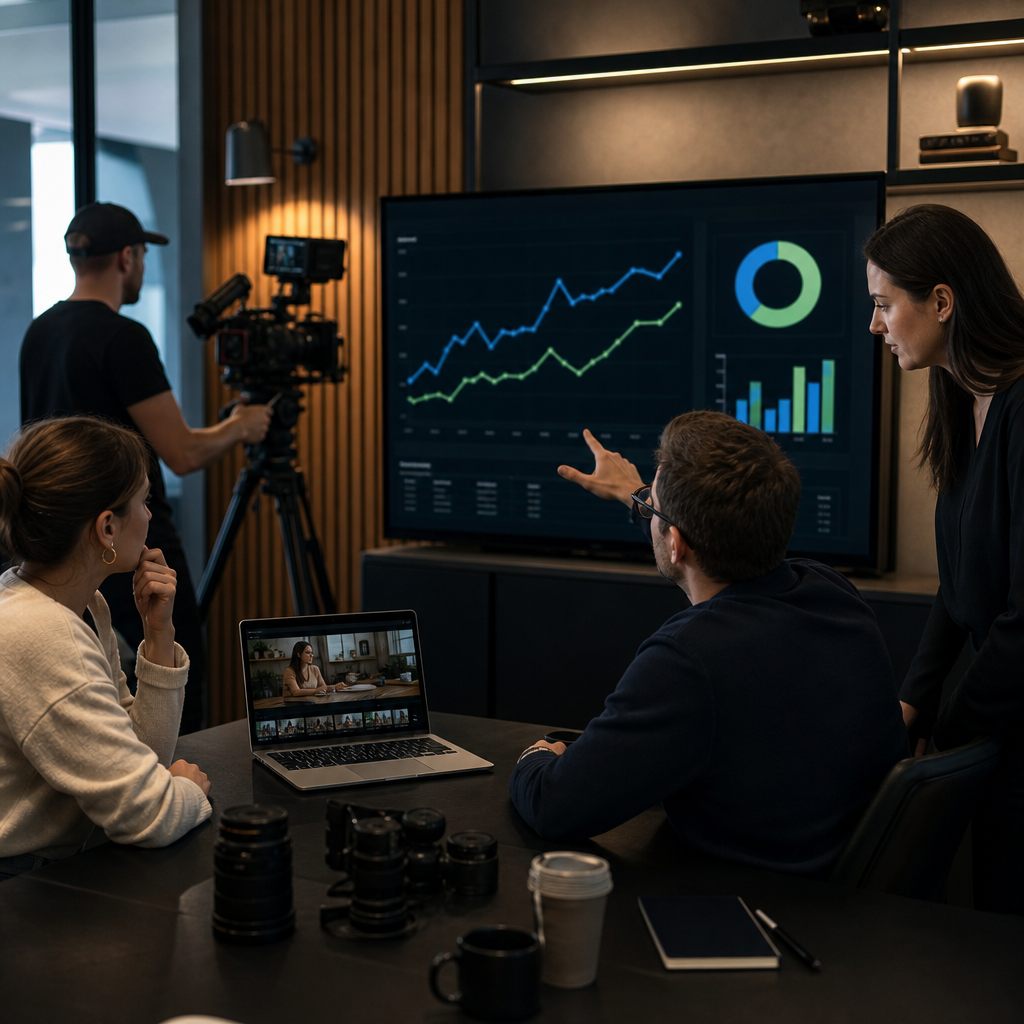
Lead quality improves alongside cost efficiency. Prospects who engage with cinematic content before converting are more qualified. They’ve seen your work, understood your process, and self-selected into your audience. This reduces follow-up effort and improves close rates.
Another pattern we observe: video-first campaigns generate longer customer lifetime value. Clients acquired through cinematic storytelling become repeat customers more frequently than those from price-focused PPC campaigns. The initial emotional connection translates into lasting brand loyalty.
Measuring Success: Leads and Sales from Integrated Video and Advertising Systems
Measuring results requires tracking across both channels simultaneously. We monitor video engagement metrics (views, watch time, shares) and advertising metrics (clicks, cost per click, conversions) alongside business outcomes (leads generated, sales closed, revenue per customer).
A common mistake is optimizing for the wrong metric. Some businesses focus only on views or cost per click without tracking whether those metrics lead to actual business results. We reverse this: we identify your target number of monthly leads or revenue goal, then work backward to determine what video engagement and ad spend requirements are needed.
Attribution matters more with integrated campaigns. A prospect might watch your video content organically on social media, then click a paid ad weeks later after seeing a retargeting campaign. Which channel deserves credit? We use multi-touch attribution to understand the complete customer journey rather than assigning full credit to the final click.
For service businesses especially, we track the full cycle: leads generated, leads qualified, opportunities closed, and customer lifetime value. Some months a particular video doesn’t generate the most direct conversions but significantly improves brand perception, making other channels more effective. The full picture reveals what’s truly working.
Why Your Multi-Location or Service-Based Business Needs Both Video and Paid Strategy
Multi-location businesses face a unique challenge: consistency across locations without rigidity. Cinematic video production establishes a unified brand voice across all locations. The videos show your service quality and customer experience standards, which every location should meet.
Paid advertising for multi-location brands can then target local intent. The national cinematic video content serves every location, while local paid campaigns drive awareness in specific markets. This approach reduces production costs while maintaining local relevance.
Service-based businesses particularly benefit from visual proof. Unlike product businesses where customers can easily see and understand what they’re buying, service businesses must show the customer experience and results. Video marketing for service businesses bridges this gap by making intangible services tangible through compelling visual narratives.
The competitive landscape in service industries is increasingly visual. Competitors who haven’t invested in quality video content become harder to distinguish from. Cinematic video establishes market positioning that justifies premium pricing and attracts higher-quality customer inquiries.
Building a Sustainable Lead Generation System With Cinematic Content
Sustainable growth requires systems that compound over time. Each month you produce new cinematic content, your library of assets grows. This inventory becomes increasingly valuable for retargeting campaigns, testing variations, and reaching new audience segments.

We structure content production around topics that matter to your customers. A pest control service produces cinematic videos about common infestations, prevention, and solutions. Each video serves multiple purposes: organic social reach, paid campaign asset, educational resource, and customer onboarding material.
The lead generation system itself improves as it matures. Early months focus on building awareness and testing messaging. Mid-stage campaigns refine targeting based on which audience segments respond best to which content themes. Mature systems run highly efficient campaigns because we’ve eliminated ineffective messaging and focused spend on proven approaches.
Systems require consistency. Monthly video production ensures your content pipeline never empties. When production becomes sporadic, campaign performance deteriorates. We recommend treating video production as a fixed monthly operating expense, similar to office rent, rather than a discretionary project.
Getting Started With a Video-First Digital Marketing Strategy
Start by auditing your current customer journey. Where do your best customers discover you? What content influences their decision to call or visit? What questions go unanswered that lose prospects to competitors?
Use these answers to brief your video production partner on the exact scenarios and transformations your content should show. Specific direction produces better creative than generic “make professional videos” briefs.
Begin with one core campaign combining three to five pieces of cinematic content. Test which content themes generate the highest engagement and lowest cost per conversion. Use those insights to inform your next production cycle.
Allocate monthly budget for both production and distribution. Cinematic content requires paid promotion to reach audiences quickly. Organic reach alone limits growth velocity. We typically recommend a 60-40 split between production investment and paid distribution, though the exact ratio depends on your target audience size and competition level.
The measurable difference compounds quickly. Most businesses notice improved conversion metrics within 30-60 days of launching integrated campaigns. Longer-term advantages in brand positioning and customer lifetime value emerge over quarters.
If you’re ready to build a system that combines cinematic storytelling with strategic paid advertising and social media management, we can help you design the exact approach your business needs. Contact us to discuss your growth goals and current customer acquisition challenges.
Contact us today for a free consultation to see how we can help you grow your business.
Frequently Asked Questions (FAQ)
Should we run cinematic video content or paid advertising first?
We recommend starting with video content creation while running paid ads simultaneously, rather than choosing one or the other. Our experience shows that cinematic video assets dramatically improve your ad performance across Meta and Google, so running them in isolation wastes budget. We structure this by developing your core short-form content library first, then deploying those assets through paid channels to maximize reach and conversion.
How do we know if a video-first strategy is actually working for lead generation?
We track performance through specific metrics tied directly to your business goals: cost per lead, lead-to-sale conversion rate, and ROI on total ad spend including production costs. Our integrated approach includes conversion pixels, CRM tracking, and attribution reporting so you see exactly which video content and ad combinations drive qualified leads. We measure success by actual sales and revenue impact, not vanity metrics like views or engagement alone.
What’s the difference between our cinematic video production and standard video content?
We focus on brand storytelling that works across short-form platforms while maintaining production quality that elevates your market positioning. Our cinematic approach means professional cinematography, thoughtful pacing, and messaging strategy built for conversion, not just entertainment. We design every video specifically to perform in your advertising funnel and on social channels where your customers actually spend time.