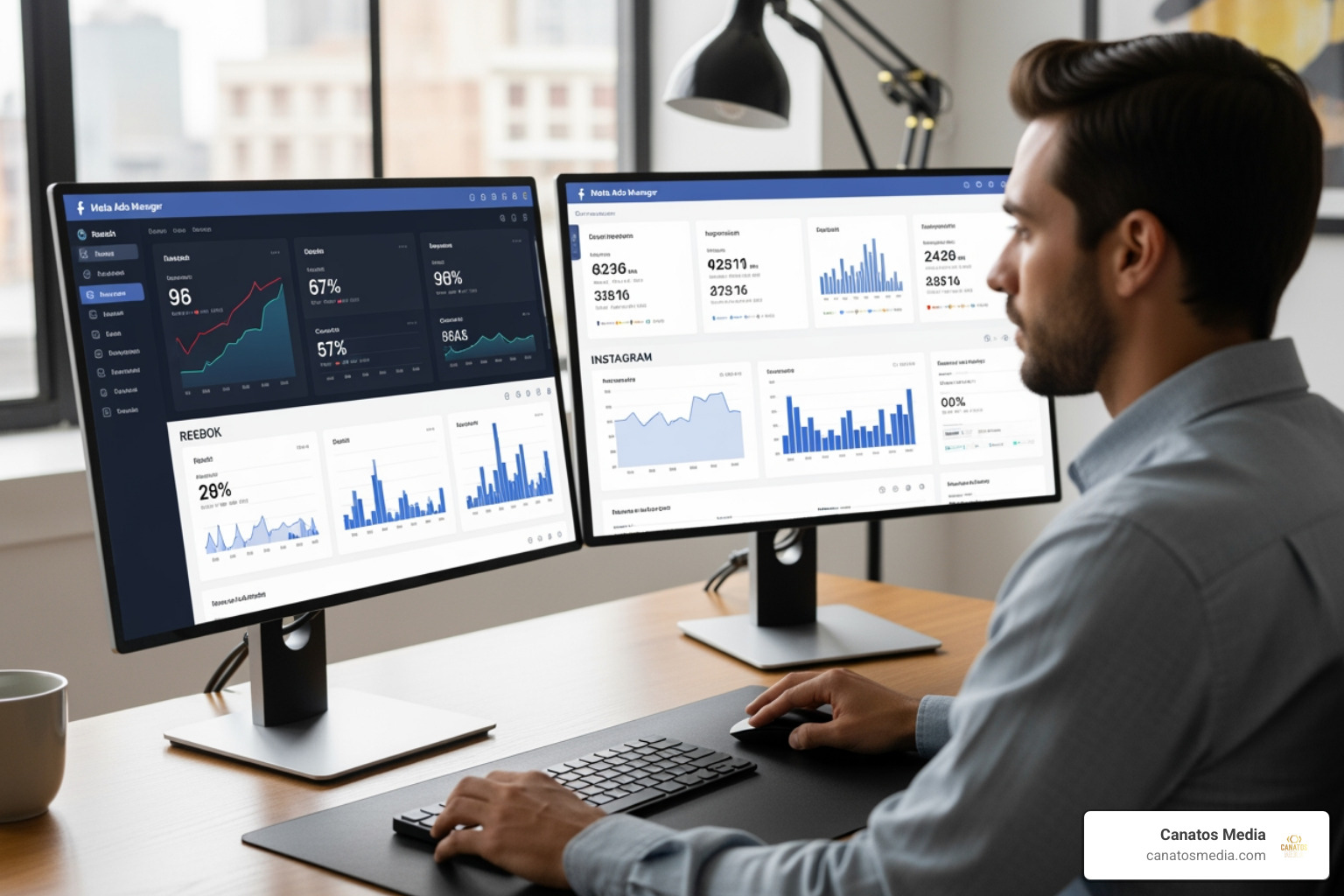
What Meta Ads Management Actually Is (And Why It Matters for Your Business)
Meta ads management is the process of creating, running, optimizing, and tracking paid advertisements across Facebook, Instagram, Messenger, and WhatsApp — all from one centralized platform called Meta Ads Manager.
If you’re looking for a quick overview of what it involves, here’s what you need to know:
| What You Can Do | How It Works |
|---|---|
| Create ads | Choose an objective, build your audience, pick a format |
| Manage campaigns | Set budgets, schedules, and placements in one place |
| Target the right people | Use demographics, interests, behaviors, or custom data |
| Track performance | View real-time results and generate detailed reports |
| Optimize over time | Use AI tools, opportunity scores, and creative testing |
Meta Ads Manager runs on desktop and mobile, giving you control over your campaigns wherever you are. It supports ad formats ranging from single images to video, carousel, and collection ads — each designed to match specific business goals.
For local business owners, this matters more than ever. Meta’s platforms reach billions of people daily, and its targeting tools let you zero in on exactly the audience most likely to walk through your door or fill out your contact form. As one business owner put it after running Facebook ads, advertising on the platform “almost doubled my business.”
But getting real results takes more than just boosting a post. It requires a clear strategy, the right structure, and ongoing optimization.
I’m Nic Canobbio, founder of Canatos Media, and my background in live production, content strategy, and AI-driven media has given me a front-row seat to what separates winning meta ads management campaigns from wasted ad spend. In this guide, I’ll walk you through everything — from account setup to advanced optimization.
The Core Framework of Meta Ads Manager
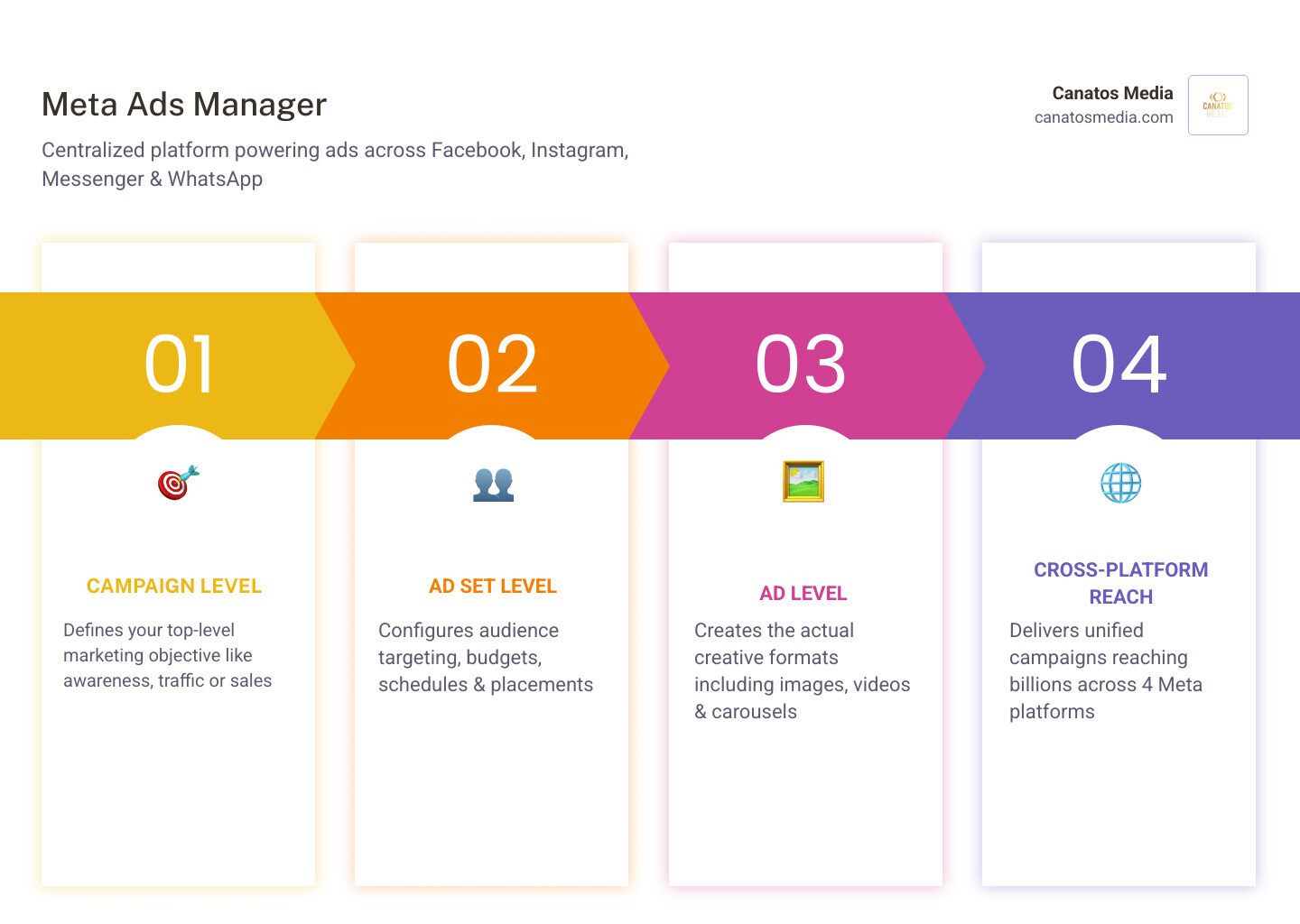
To master Meta Ads Manager, we first need to understand its “DNA.” Meta uses a three-tiered structure that organizes every single ad you see on your feed. Think of it like a Russian nesting doll: each level sits inside the other, and they must all work together to be successful.
1. The Campaign Level: Your Goal
Everything starts with the campaign. This is where you decide your primary objective. Are you looking for brand awareness? More traffic to your website? Or perhaps direct sales? Choosing the right objective is critical because Meta’s algorithm will optimize your delivery based on this choice. If you tell Meta you want “Traffic,” it will find people likely to click a link. If you choose “Sales,” it will hunt for people with a history of buying.
2. The Ad Set Level: Your Strategy
The ad set is the “brain” of your meta ads management strategy. This is where you define:
- Audience: Who should see the ad?
- Placements: Where should it appear (Instagram Reels, Facebook Feed, etc.)?
- Budget: How much do you want to spend?
- Schedule: When should the ads run?
3. The Ad Level: Your Creative
This is the “face” of your campaign—the part the customer actually sees. It includes your images, videos, headlines, and “Call to Action” buttons. Even the best targeting won’t work if your creative doesn’t “stop the scroll.”
When you first log in, you’ll land on the Account Overview. This page is incredibly helpful for beginners as it guides you through the necessary steps to set up your account and ensures you are following Meta Advertising Standards. For a deeper dive into the foundations of digital advertising, check out our Step-by-Step Guide to Paid Ads.
Mastering Meta Ads Management: From Setup to Launch
Starting a campaign in May 2026 is a much more streamlined experience than it was just a few years ago. Meta has heavily invested in AI to make the process more intuitive for business owners in the Tri-State area and Long Island.
Account Setup and Payments
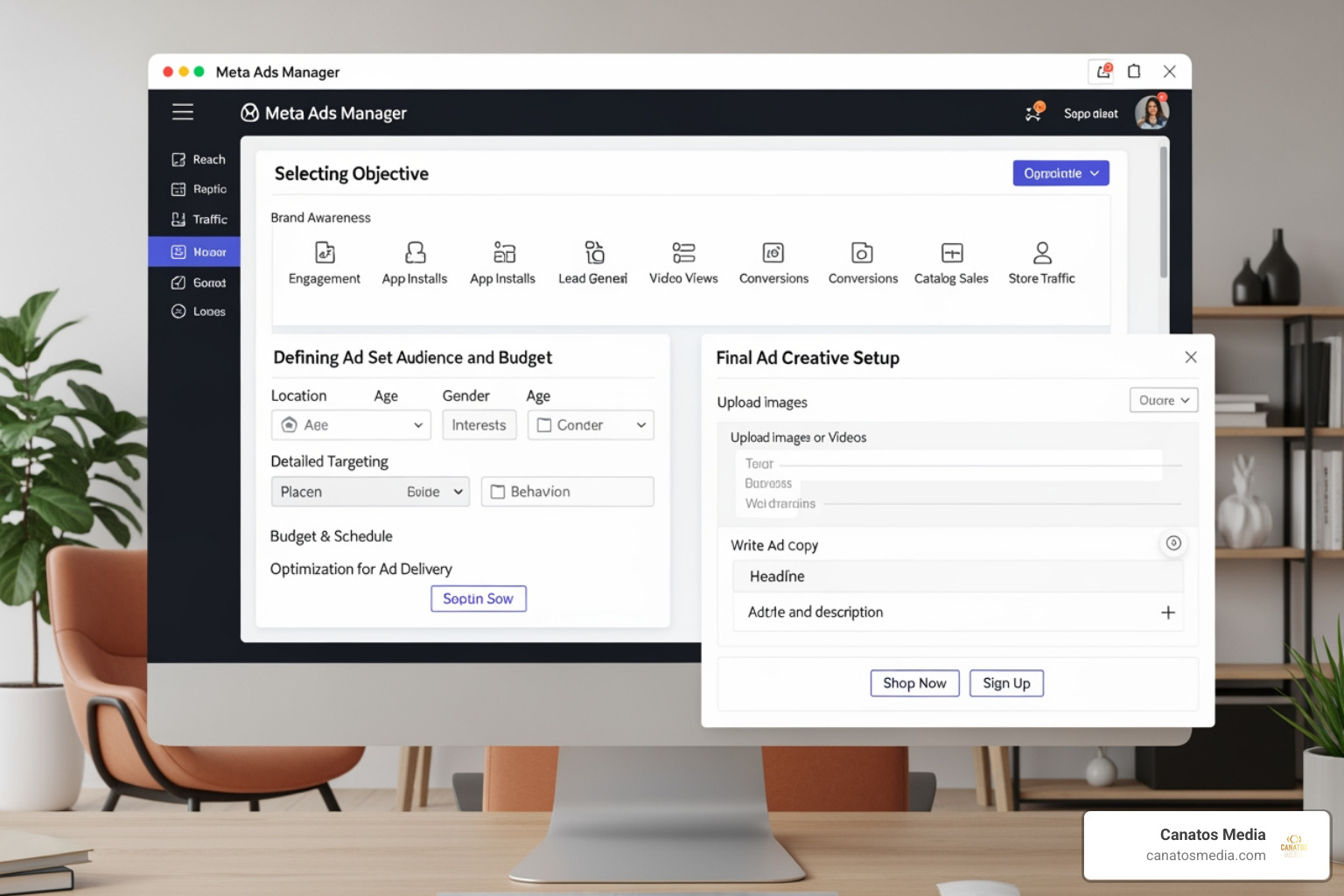
Before you can launch, you need a solid foundation. You must link a Facebook Page (and ideally an Instagram account) to your Business Manager. One of the most common hurdles we see is payment failures. You’ll be prompted to add a payment method before publishing your first ad. We recommend using a reliable credit card or PayPal account, as payment issues can lead to account restrictions that take hours to resolve.
Advantage+ vs. Manual Setup
When you create ad campaigns in Meta Ads Manager, you’ll often see an option for Advantage+. This is Meta’s AI-powered “easy mode.” It automates many of the technical decisions, such as where your ads are placed and which creative combinations are shown to which users.
While Advantage+ is fantastic for efficiency, manual setup still has its place for businesses that need granular control over their targeting. Whether you choose the AI-driven path or the manual one, your budget strategy is the next big decision. You can choose between:
- Campaign Budget (Advantage Budget Distribution): Meta moves your money between different ad sets to find the best results.
- Ad Set Budget: You dictate exactly how much each specific audience segment receives.
For a broader look at how this fits into your overall marketing, see our page on Meta & Google Advertising.
Strategic Meta Ads Management for Audience Targeting
Targeting is where the magic happens. In meta ads management, we move beyond just “men aged 25-45.” We use Custom Audiences to reach people who have already interacted with your brand—perhaps they visited your website or watched one of your videos.
We also leverage Advantage+ Audience, which uses Meta’s advanced algorithms to find people most likely to be interested in your products based on their behaviors and purchasing patterns. By combining your first-party data (like email lists) with Meta’s interest-based reach, you create a powerful funnel that moves people from “who are you?” to “take my money!” If you’re new to this, we recommend reading Paid Social Media Advertising: From Zero to Hero in One Hour.
Optimizing Performance with Meta Ads Management Tools
Once your ads are live, the work isn’t over—it’s just beginning. We use the Opportunity Score, a 0-100 scale, to see how well-optimized our campaigns are. Meta provides specific recommendations to improve this score, which can often lead to better performance.
Real-time insights allow us to see exactly what’s working. By using Breakdown Analysis, we can see if our ads are performing better on Instagram than Facebook, or if certain age groups are clicking more often. We also set up Automated Rules to pause underperforming ads or increase the budget on winners, ensuring we never waste a dollar of your budget. For more on these techniques, visit our Category: Ad Management.
Budgeting, Scheduling, and Creative Formats
Understanding how to allocate your funds is the difference between a profitable campaign and an expensive hobby.
Daily vs. Lifetime Budgets
| Feature | Daily Budget | Lifetime Budget |
|---|---|---|
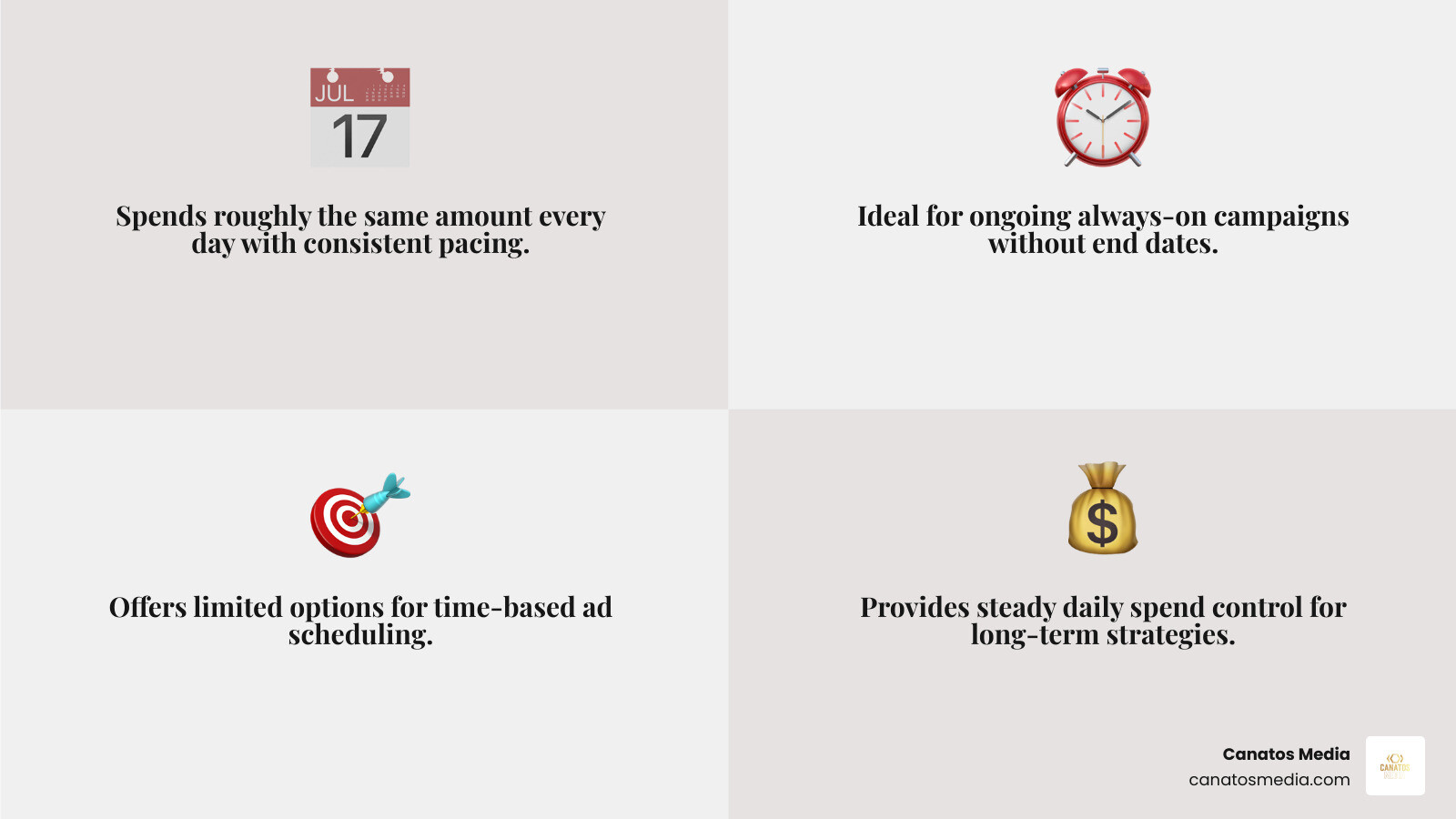
| Pacing | Spends roughly the same amount every day. | Spends the total amount over the duration of the campaign. |
| Flexibility | Good for ongoing “always-on” campaigns. | Better for short-term promotions or events. |
| Scheduling | Limited scheduling options. | Required if you want to schedule an ad set for specific times. |
Ad Scheduling
If you know your audience is most active on Sunday mornings, why waste money at 3:00 AM on a Tuesday? With a lifetime budget, you can use Delivery Scheduling to pick specific time blocks. For example, a breakfast cafe in Long Island might only run ads from 6:00 AM to 11:00 AM. Scheduled ad sets must run for at least one hour.
Creative Formats: Choosing Your Weapon
The “look and feel” of your ad should match your goal.
- Single Image/Video: Great for a simple, punchy message.
- Carousel Ads: Perfect for showing a range of products or telling a story in chapters.
- Collection Formats: A mobile-only experience that allows users to browse your catalog without leaving the app.
At Canatos Media, we emphasize high-quality video because it’s the most effective way to stop the scroll and start the toll with Meta paid ads.
Troubleshooting and Professional Resources
Even the best meta ads management can hit a snag. Common issues include:
- Disabled Accounts: Often caused by policy violations or unusual login activity. Always ensure you have two-factor authentication enabled to prevent hacked accounts.
- Payment Failures: Keep your billing info up to date to avoid campaign pauses.
- Review Process: Every ad is reviewed against Meta’s standards. If your ad is rejected, you can usually appeal or edit the creative to comply.
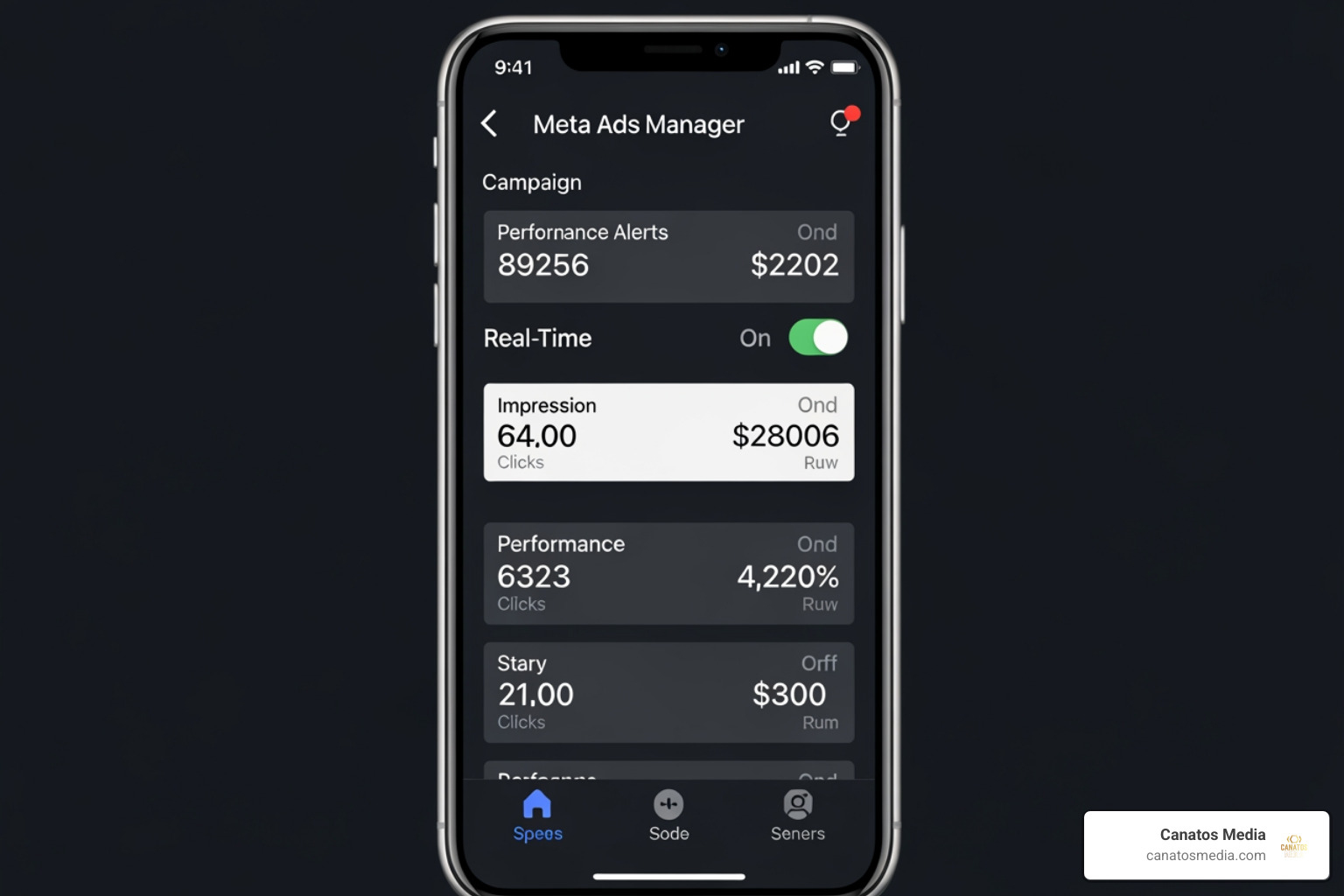
For those who want to manage things on the go, the Meta Ads Manager App is a powerful tool. It has over 10 million downloads and solid ratings (4.3 on Google Play; 4.5 on the App Store). It’s perfect for checking real-time insights or toggling a campaign off while you’re away from your desk.
If you want to dive deeper into the technical side, Meta Blueprint offers free online courses and certifications. It’s the official way to stay updated on the latest platform changes. For a broader view of how ads fit into your brand’s digital presence, check out The Complete Guide to Social Media Management.
Frequently Asked Questions about Meta Ads
Why is my Meta ad account disabled or restricted?
Account restrictions usually happen for three reasons: policy violations (like using prohibited content), payment failures (leading to a “bad debt” flag), or unusual activity (which triggers a security lock). If this happens, don’t panic. Check your “Account Quality” page to see the specific reason and request a review. Identity verification is often required to get back into Meta’s good graces.
What is the difference between Advantage+ and manual setup?
Think of Advantage+ as an AI co-pilot. It uses machine learning to handle targeting, placements, and even creative enhancements (like adjusting brightness or adding music). Manual setup gives you the keys to the car. You decide exactly who sees the ad and where. We often use a hybrid approach—letting AI handle the broad reach while using manual controls for specific retargeting.
How do I schedule ads for specific times of the day?
To do this, you must select a Lifetime Budget at the ad set level. Once selected, you can go to the “Delivery Scheduling” section and highlight the specific hours and days you want your ads to appear. That ads run based on the audience’s time zone, so if you’re targeting people across the country, your 9:00 AM start will happen at different times for different users.
Conclusion
Effective meta ads management isn’t just about clicking “Publish” and hoping for the best. It’s a science that combines cinematic content, data-driven targeting, and constant optimization. Whether you are a business in the Tri-State area looking to double your leads or a Long Island shop wanting to build a local following, the tools within Meta Ads Manager are incredibly powerful when used correctly.
At Canatos Media, we specialize in an integrated strategy that connects high-end video production with precision ad targeting. We don’t just want your ads to be seen; we want them to convert. If you’re ready to stop guessing and start growing, explore our Meta & Google Advertising services to see how we can help you achieve measurable results.